
Course
Enterprise Grid
Secure access, one standard across projects, and auditable changes, for the people who run Plane for a large organization.
- 15 lessons
- 1 h 5 min
- For admins who run Plane for a large organization
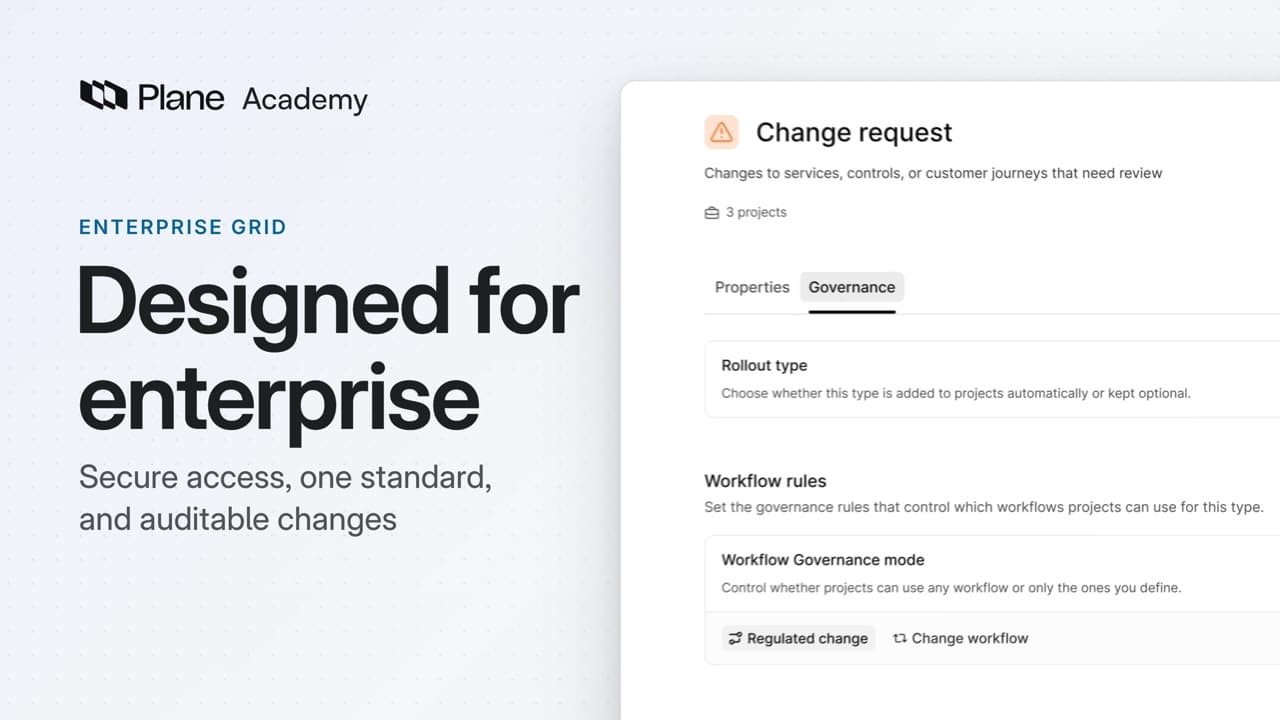 Watch lesson 1, What is Enterprise Grid?
Lessons
Each lesson builds on the last
Lesson 1 · 1:55
What is Enterprise Grid?
See how Enterprise Grid covers secure access, one governed standard, and auditable changes.
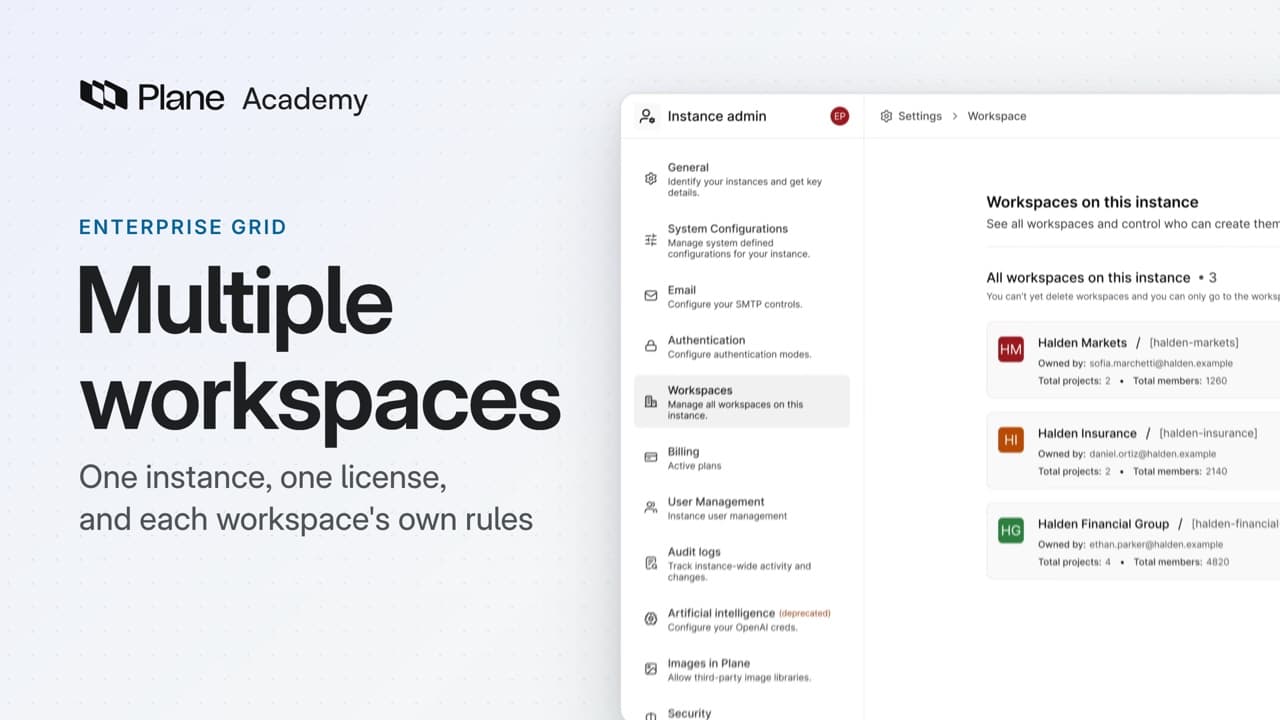
Lesson 2 · 4:43
Multiple workspaces
How an instance, one self-hosted installation of Plane, can hold many workspaces, from what is set once for the instance to what each workspace keeps for itself and who administers each.
Enterprise Grid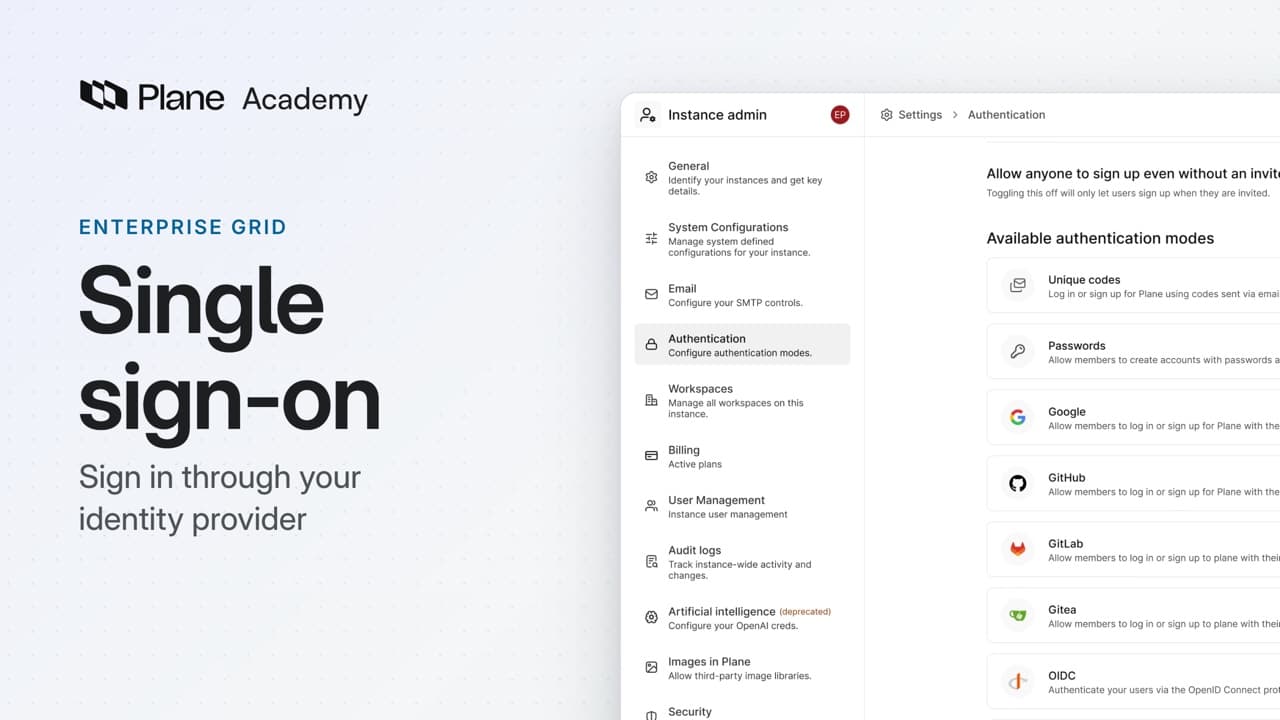
Lesson 3 · 4:30
Single sign-on
How single sign-on lets people sign in through the identity provider your organization already runs, from connecting a provider and controlling the other ways in to letting directory groups assign access.
Enterprise Grid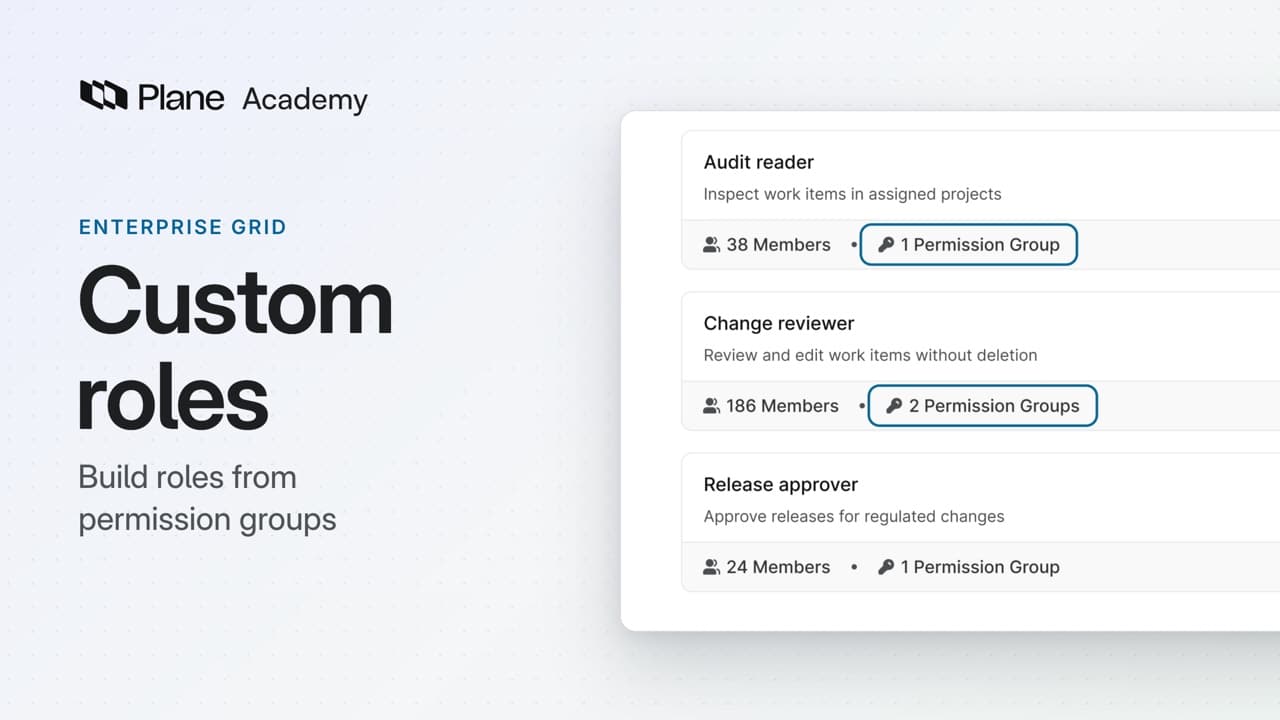
Lesson 4 · 4:34
Custom roles
How custom roles define access by responsibility, from building roles from permission groups and checking what each person can do to changing shared policy in one place.
Enterprise Grid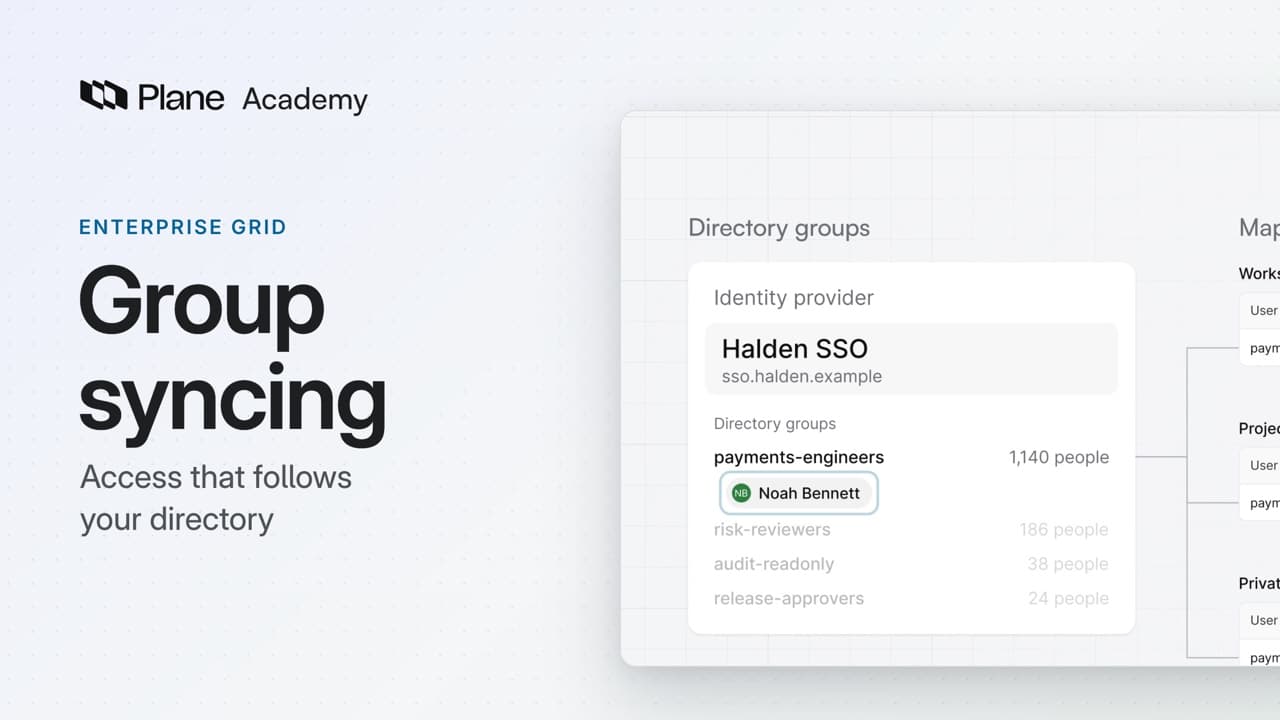
Lesson 5 · 4:25
Group syncing
How group syncing assigns access from the directory groups your identity team already manages, from mapping a group and following a team change to seeing what removing access needs.
Enterprise Grid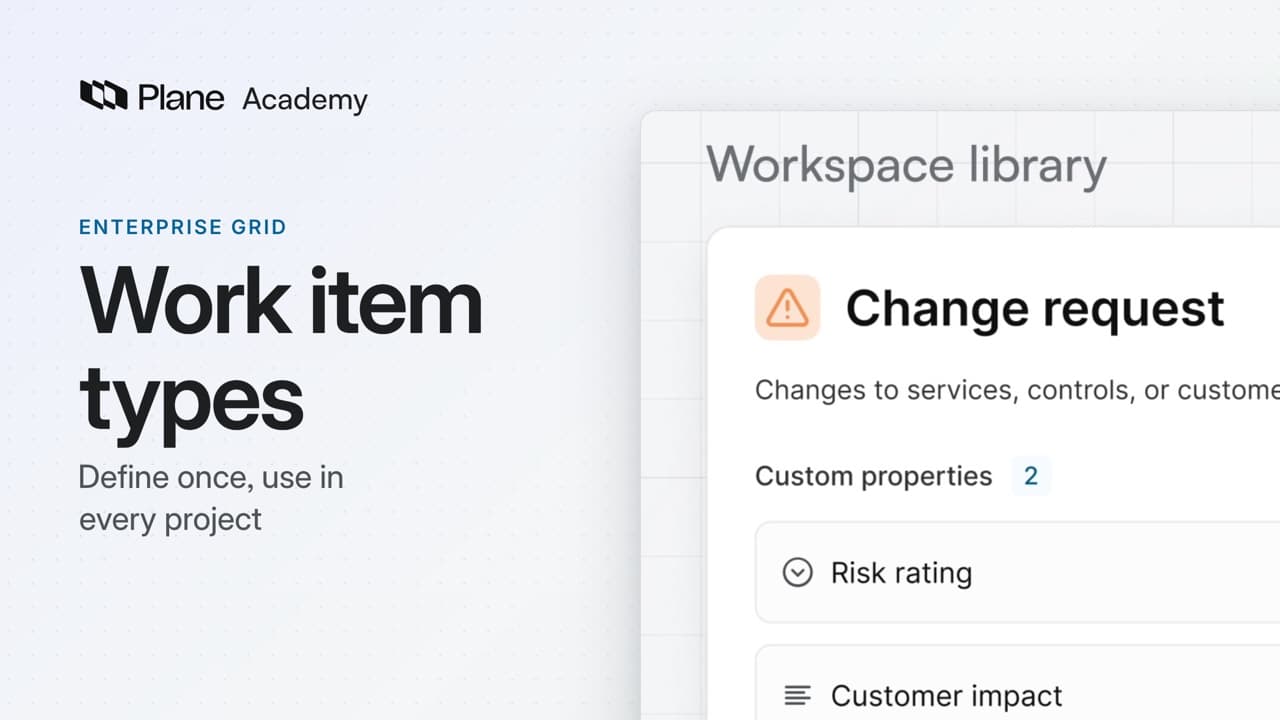
Lesson 6 · 4:43
Work item types
How workspace work item types let you define a type and its properties once, then use them in every project, from moving the definition to the workspace to requiring a property where your policy needs it.
Enterprise Grid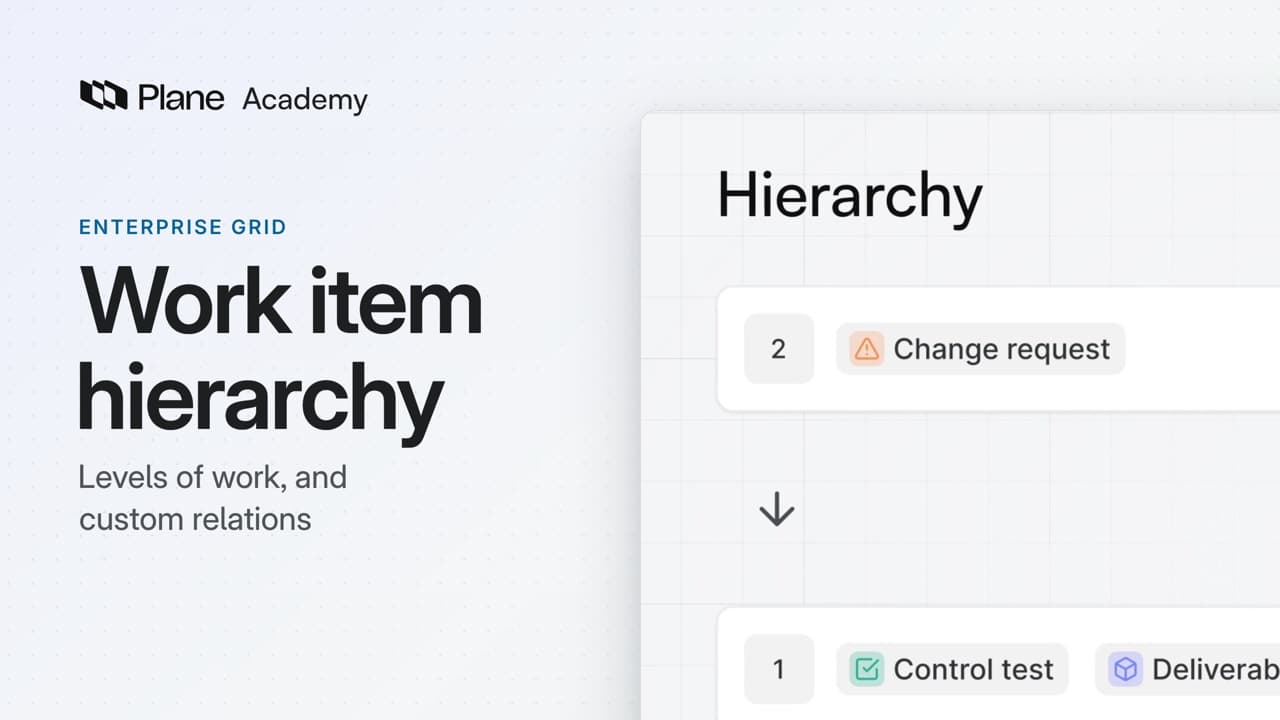
Lesson 7 · 4:28
Work item hierarchy
How a work item hierarchy sets which type can sit under which, and custom relations name how work items connect across projects, from setting the levels of work to connecting two work items.
Enterprise Grid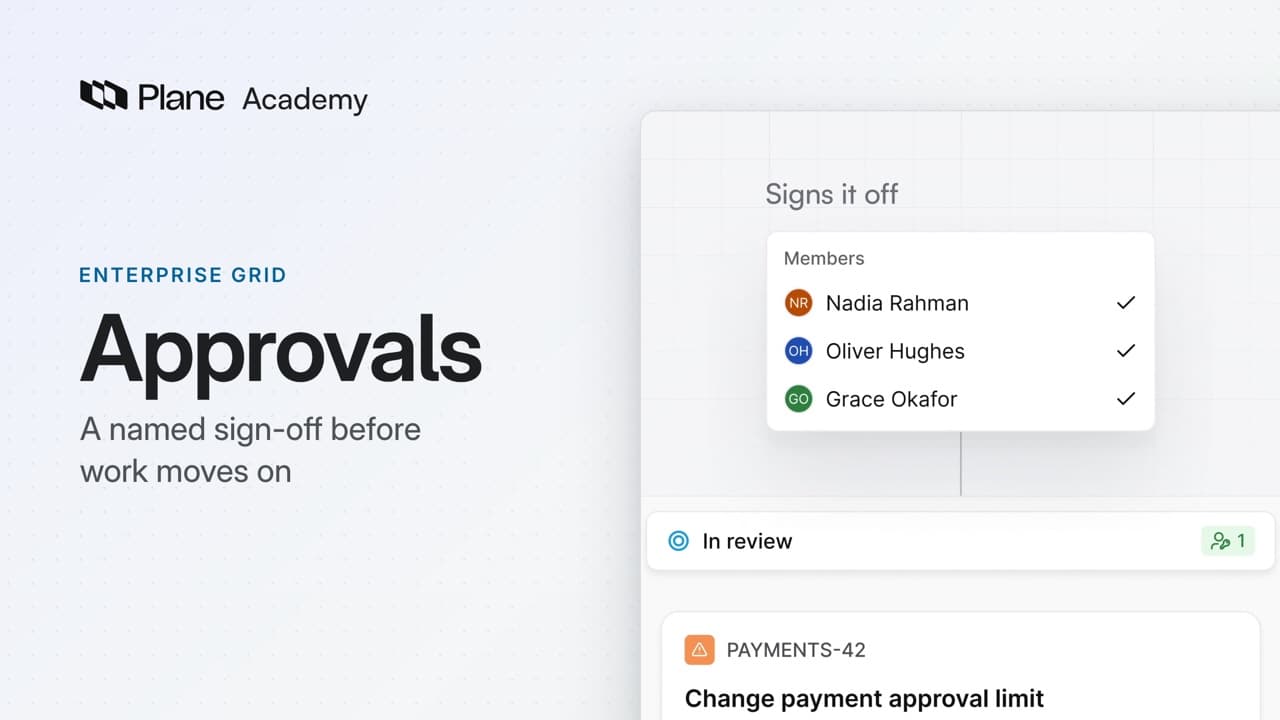
Lesson 8 · 4:12
Approvals
How an approval flow holds a work item in a state until a named approver approves or rejects it, from adding an approval to a shared workflow to approving a change and reading its record.
Enterprise Grid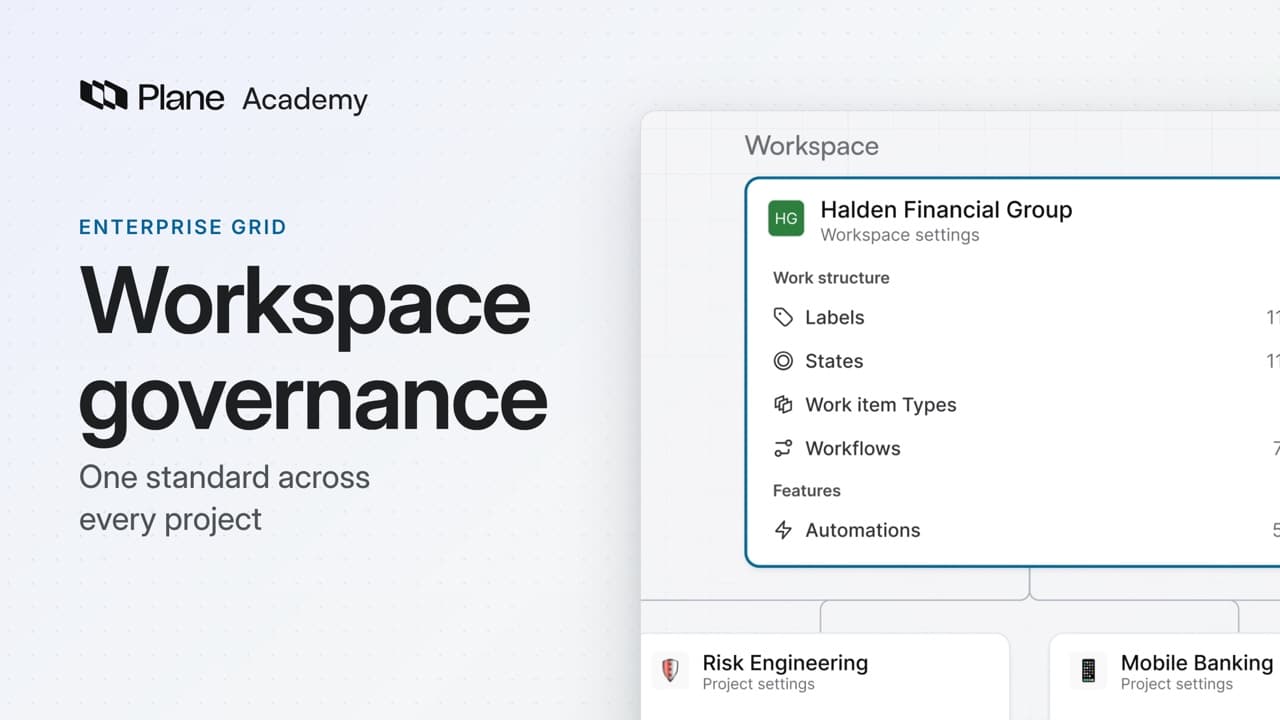
Lesson 9 · 4:28
Workspace governance
How workspace governance moves shared configuration from projects to the workspace, from reviewing the move before you commit to requiring one workflow for a work item type and checking the record of a workflow edit.
Enterprise Grid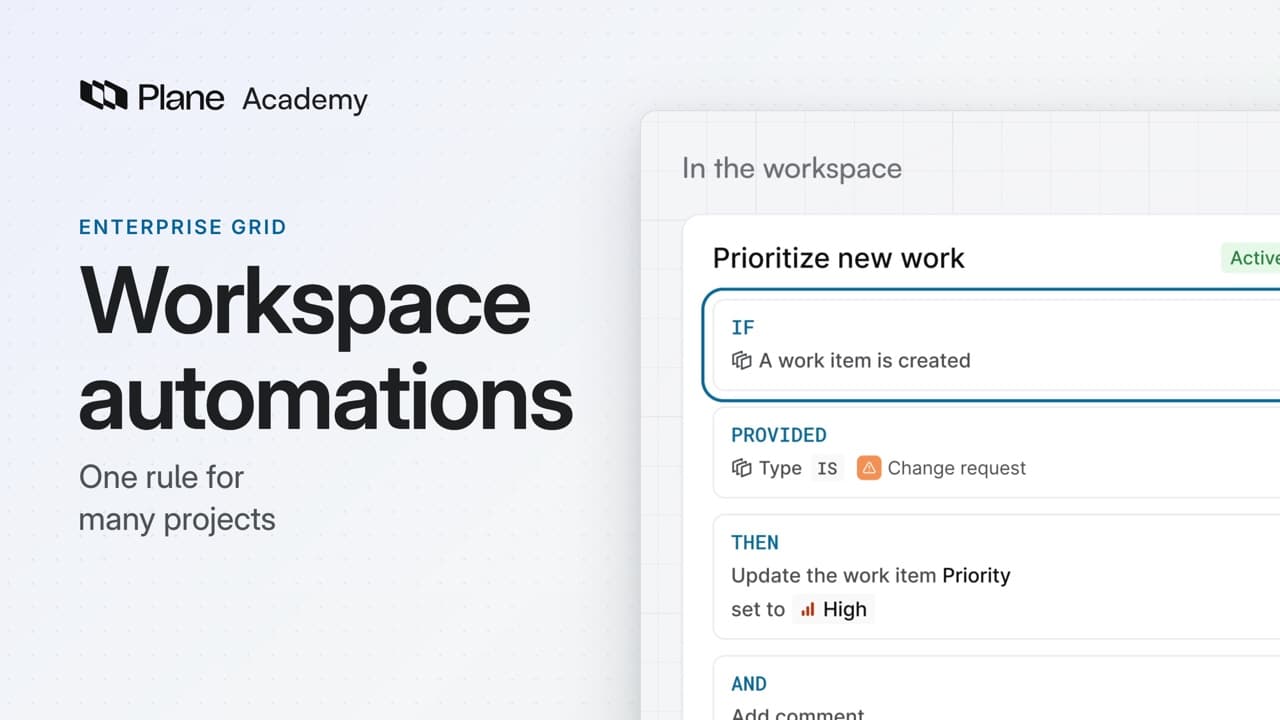
Lesson 10 · 4:26
Workspace automations
How workspace automations update work items from rules you define once in the workspace, from building a rule with a trigger, a condition, and actions to seeing what it did.
Enterprise Grid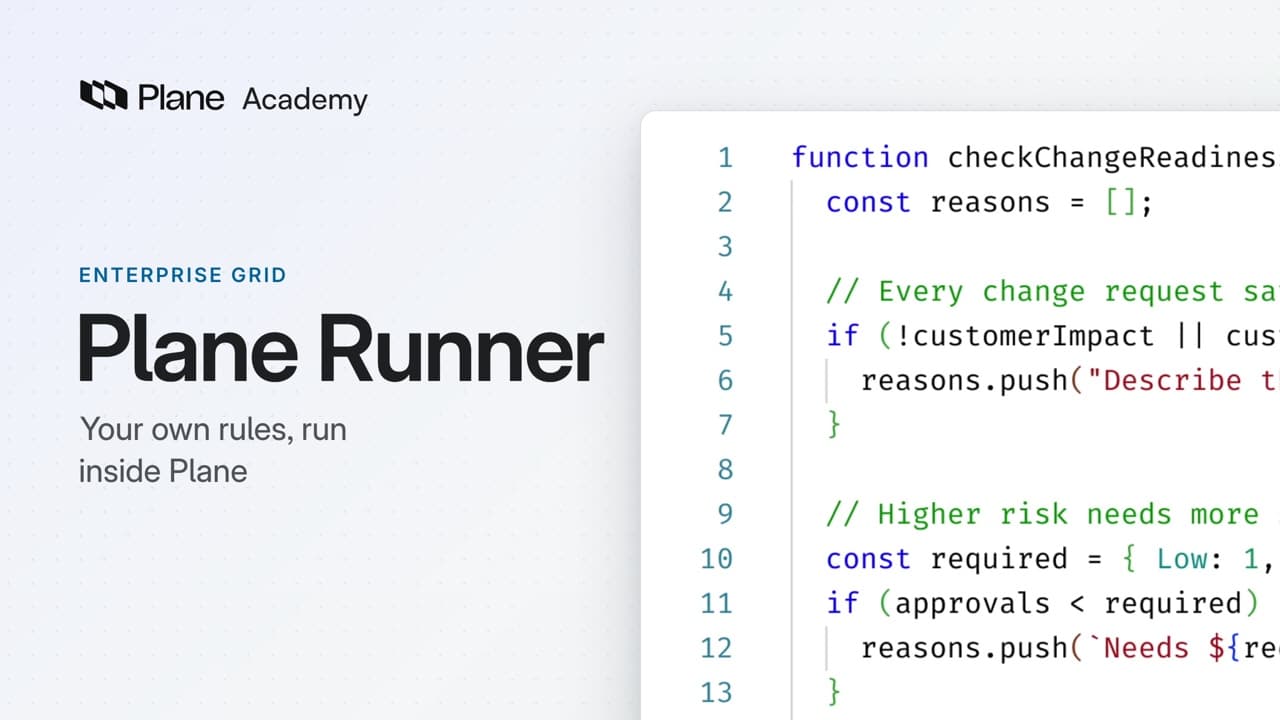
Lesson 11 · 4:49
Plane Runner
How Plane Runner runs code you write inside Plane, from writing a function with typed parameters to calling it from a script and running that script from a workspace automation.
Enterprise Grid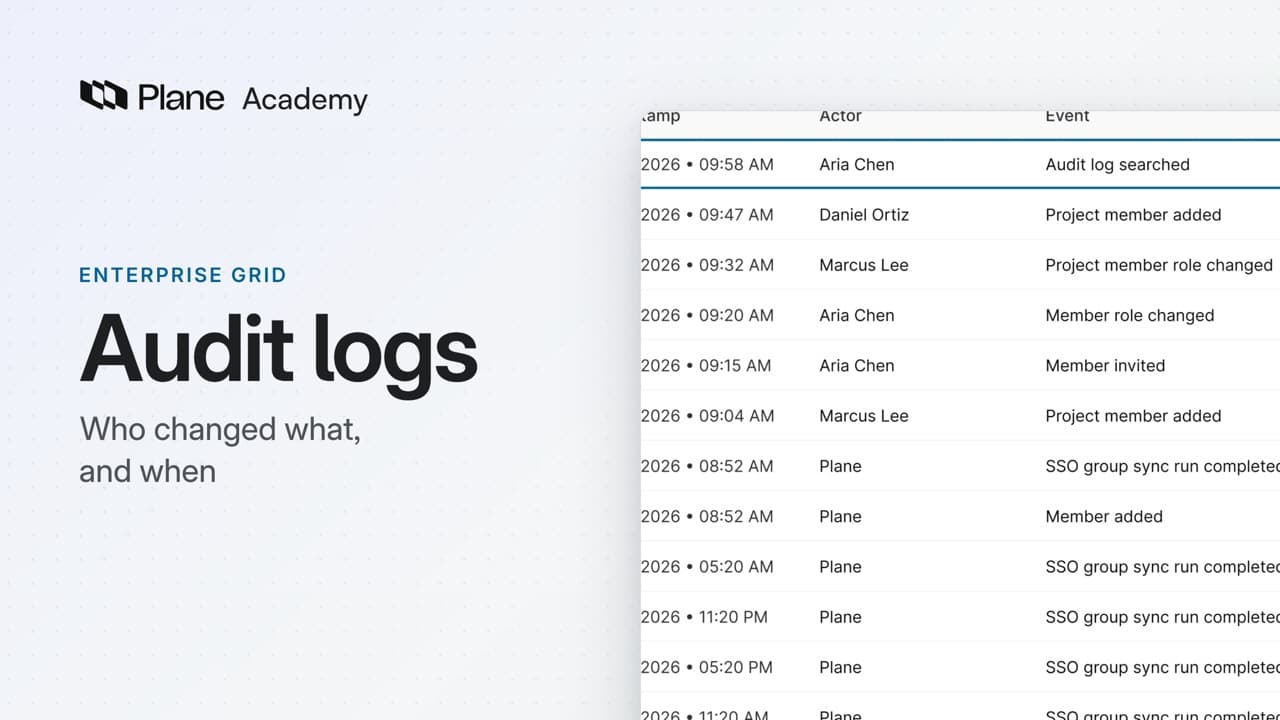
Lesson 12 · 4:32
Audit logs
How audit logs record who changed what, and when, from reading the workspace log and tracing one person's access to exporting the result as evidence.
Enterprise Grid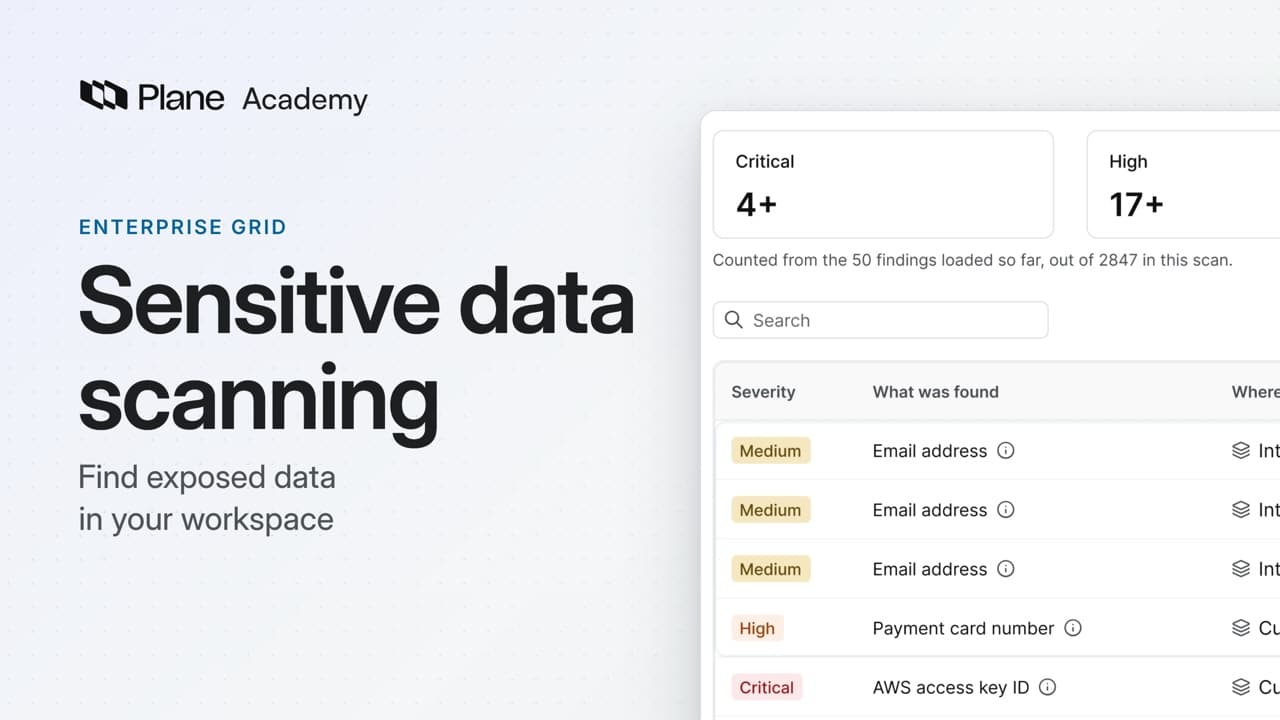
Lesson 13 · 4:30
Sensitive data scanning
How sensitive data scanning finds exposed credentials and personal data in your workspace's content, from running a scan and reviewing its findings to tuning what it reports.
Lesson 14 · 4:18
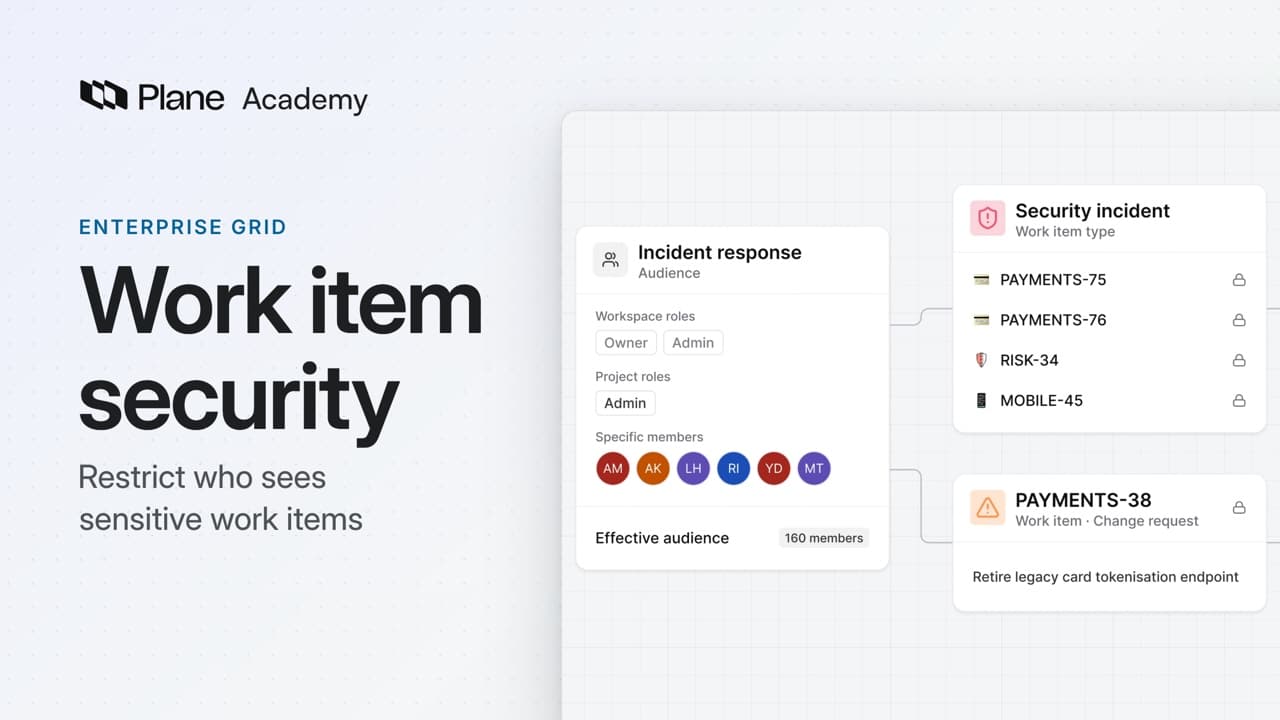
Work item security
How work item security restricts who can see work items, from creating an audience and attaching it to a work item type or one work item to checking what others see and removing a restriction.
Enterprise Grid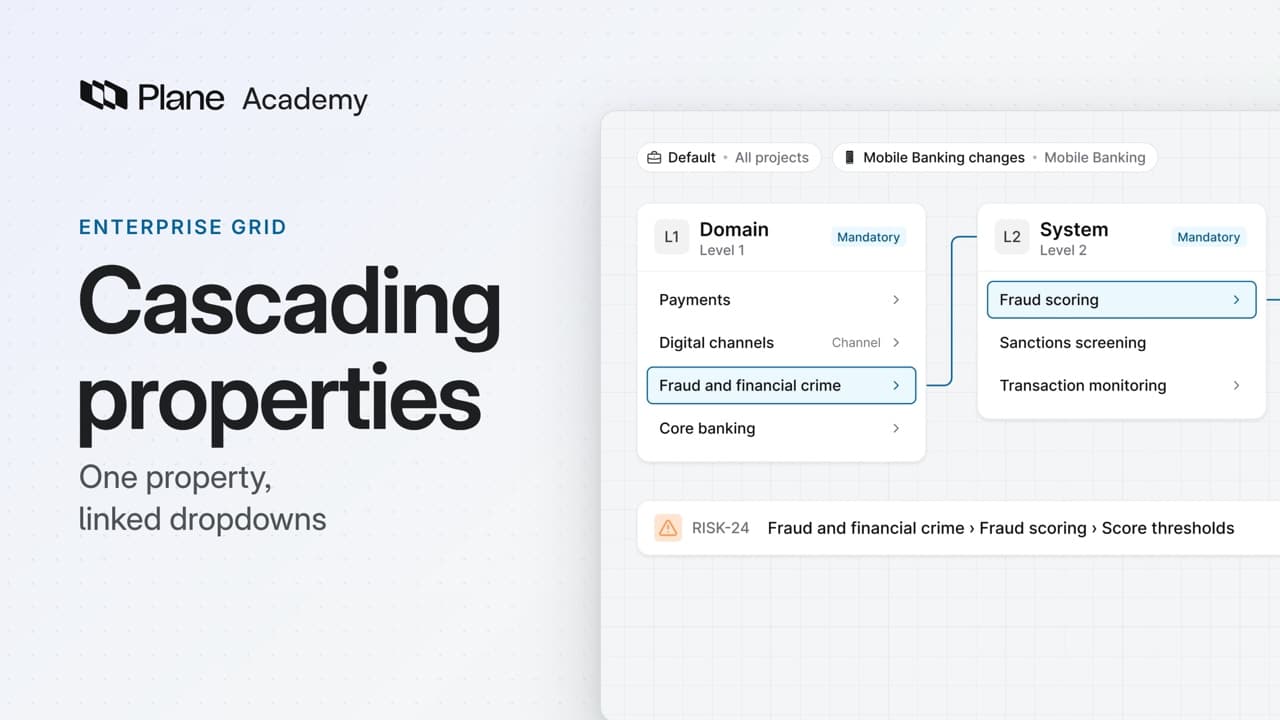
Lesson 15 · 4:07
Cascading properties
How a cascading property gives a work item type two to four linked dropdowns, from adding the property and its levels to building the options for each context and using it on change requests.
Enterprise Grid
Give your next piece of work a plan
Add work items to a cycle, or group a feature's work in a module.