
Course
Self-host Plane
Run Plane's Commercial Edition on your own servers: install it, secure it, back it up, scale it, and turn on the add-ons.
- 12 lessons
- 1 h 7 min
- For admins and DevOps engineers who run Plane on their own servers
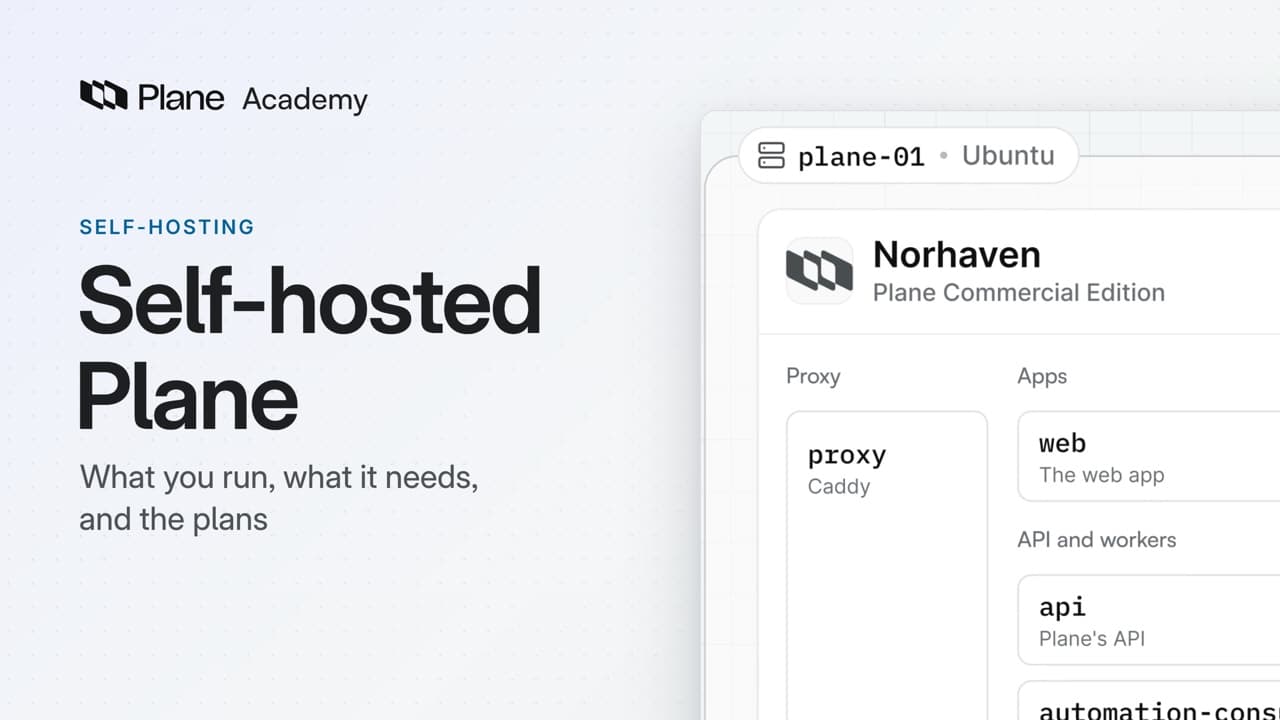 Watch lesson 1, Self-hosted Plane
Lessons
Each lesson builds on the last
Lesson 1 · 4:35
Self-hosted Plane
How self-hosted Plane, Plane's Commercial Edition on your own servers, is put together, from the services that run on a single server and what that server needs to the two install paths and how plans work on your instance.
Lesson 2 · 5:09
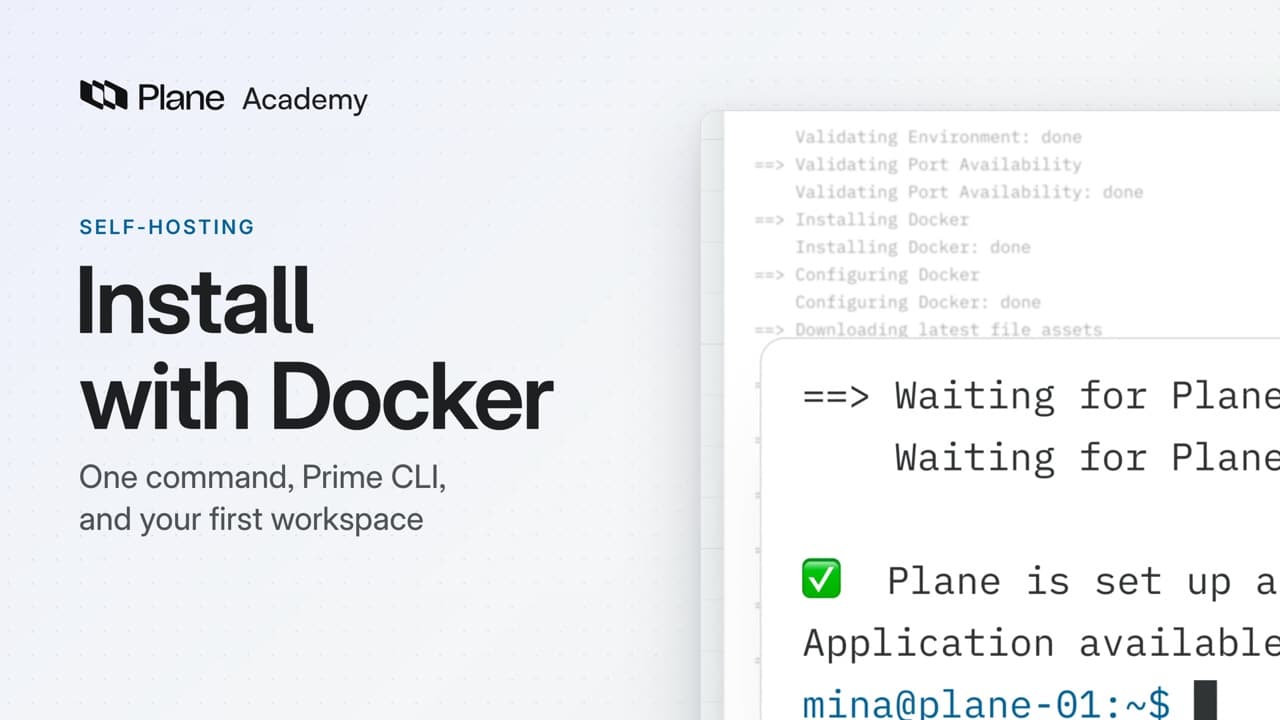
Install with Docker
How a Docker install puts self-hosted Plane on one Linux server with Prime CLI, from preparing the server and running the one-line install with your domain to becoming the instance admin in God mode and creating the first workspace.
Lesson 3 · 5:45
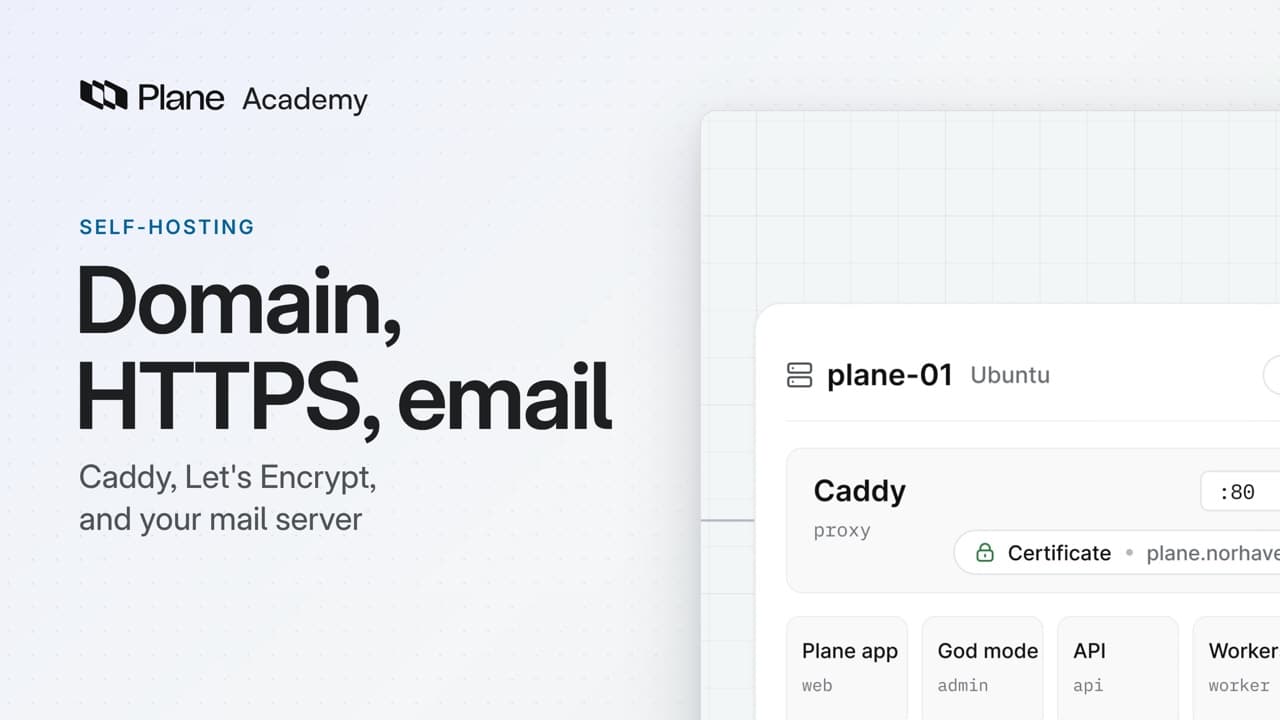
Domain, HTTPS, email
How to turn on HTTPS with a Let's Encrypt certificate or your company's own, move Plane to a new domain, and connect a mail server in God mode, so your instance answers at one domain through Caddy and sends its email.
Lesson 4 · 5:47
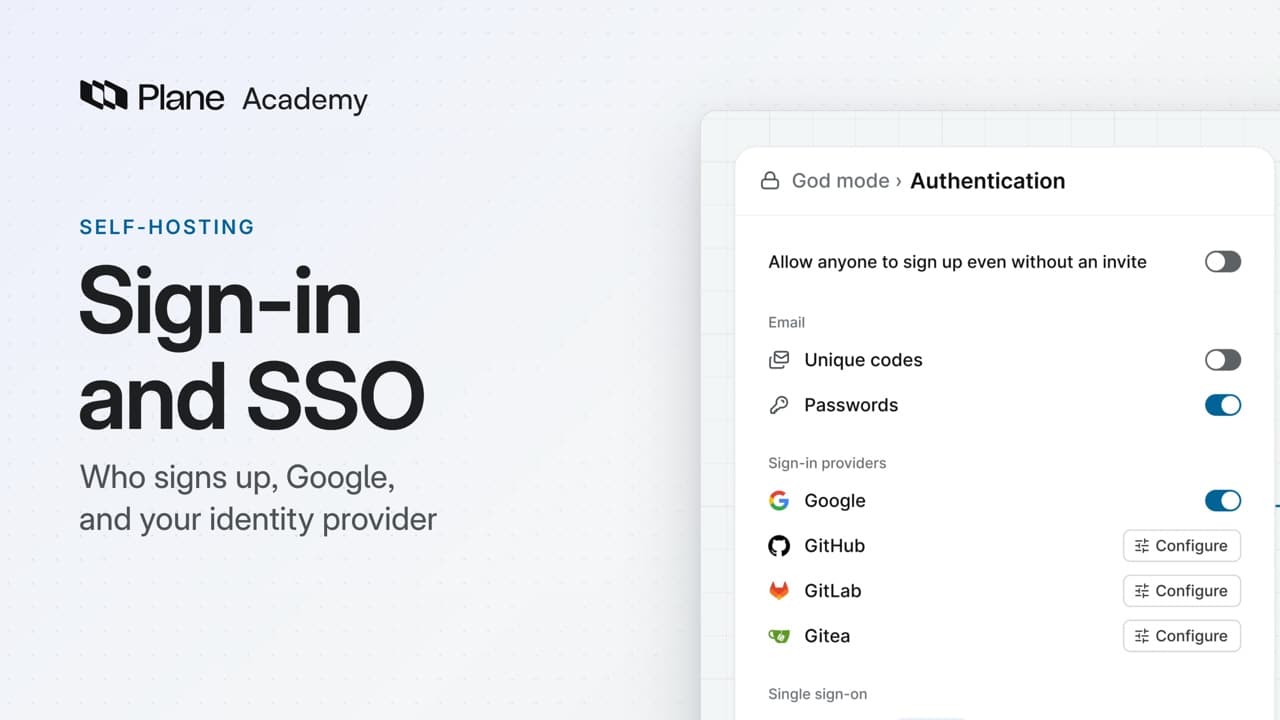
Sign-in and SSO
How sign-in is set once for every workspace on a self-hosted instance, on God mode's Authentication page, from deciding who can sign up and turning on the methods your company uses to connecting your identity provider over OIDC, SAML, or LDAP.
ProBusinessEnterprise Grid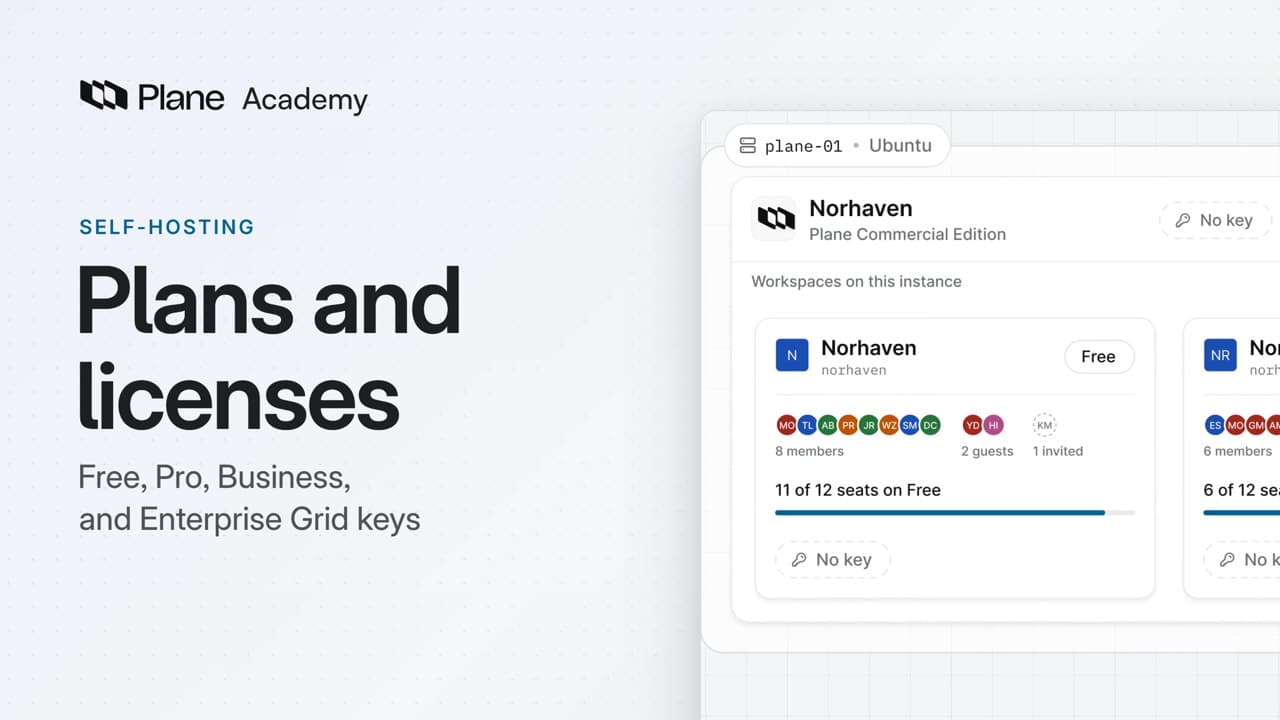
Lesson 5 · 5:40
Plans and licenses
How Free, Pro, Business, and Enterprise Grid work on a self-hosted instance, from activating a workspace key and an instance key to reading your seats and the license sync and moving a key to a new server.
Lesson 6 · 5:27
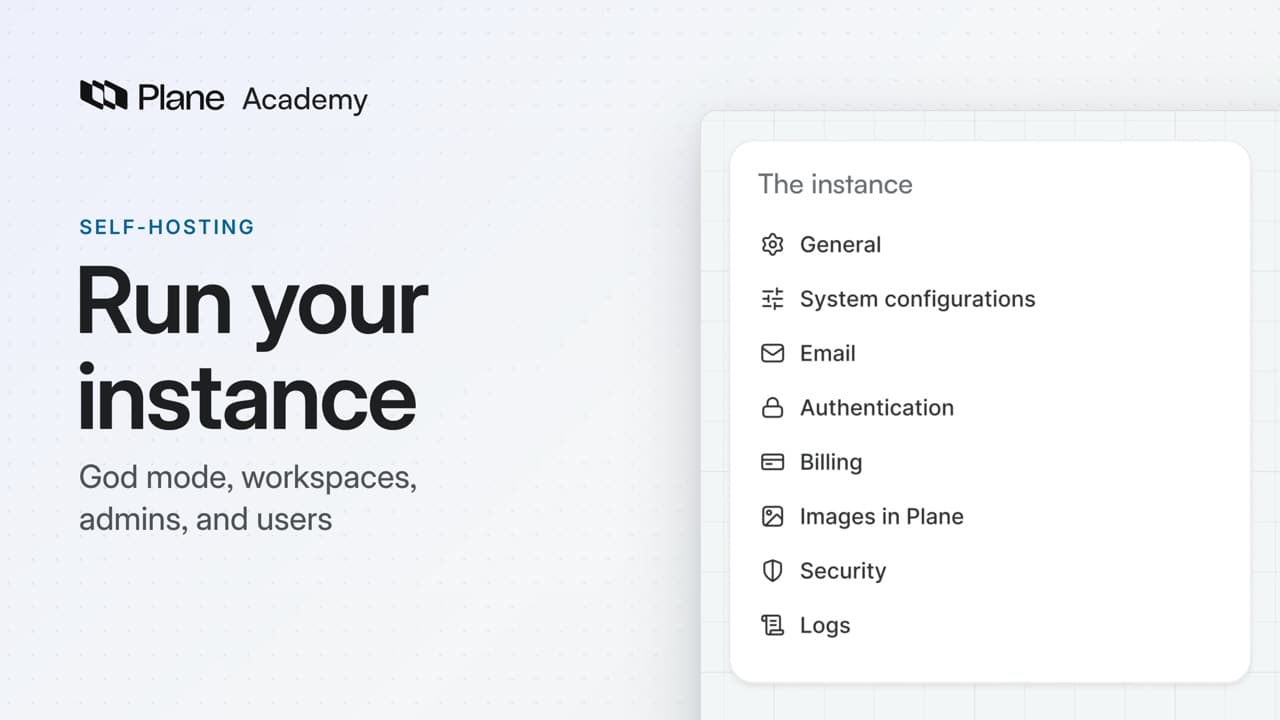
Run your instance
How God mode, the instance admin app of self-hosted Plane, runs the whole instance from its eleven pages, and what to set on a new instance's first day.
Lesson 7 · 6:17
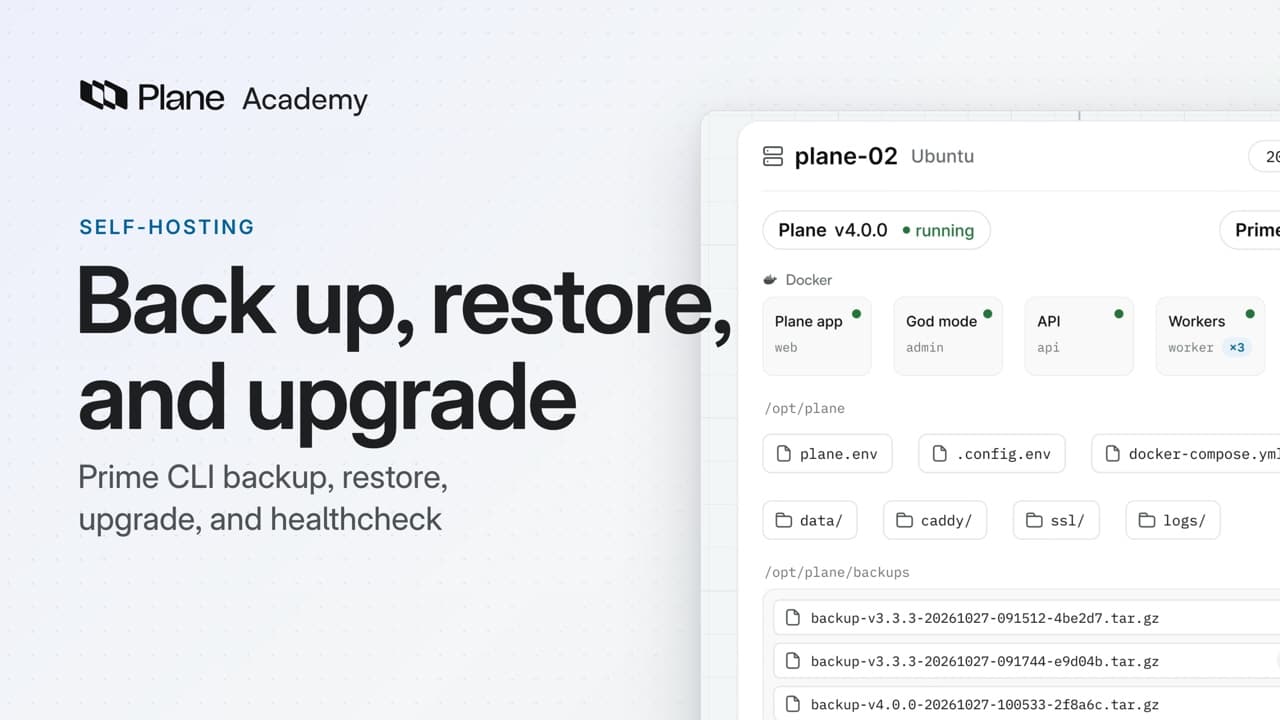
Back up, restore, and upgrade
How Prime CLI backs up, restores, upgrades, and checks the health of a self-hosted Plane instance after the install, and how a single backup moves Plane to a new server.
Lesson 8 · 5:18
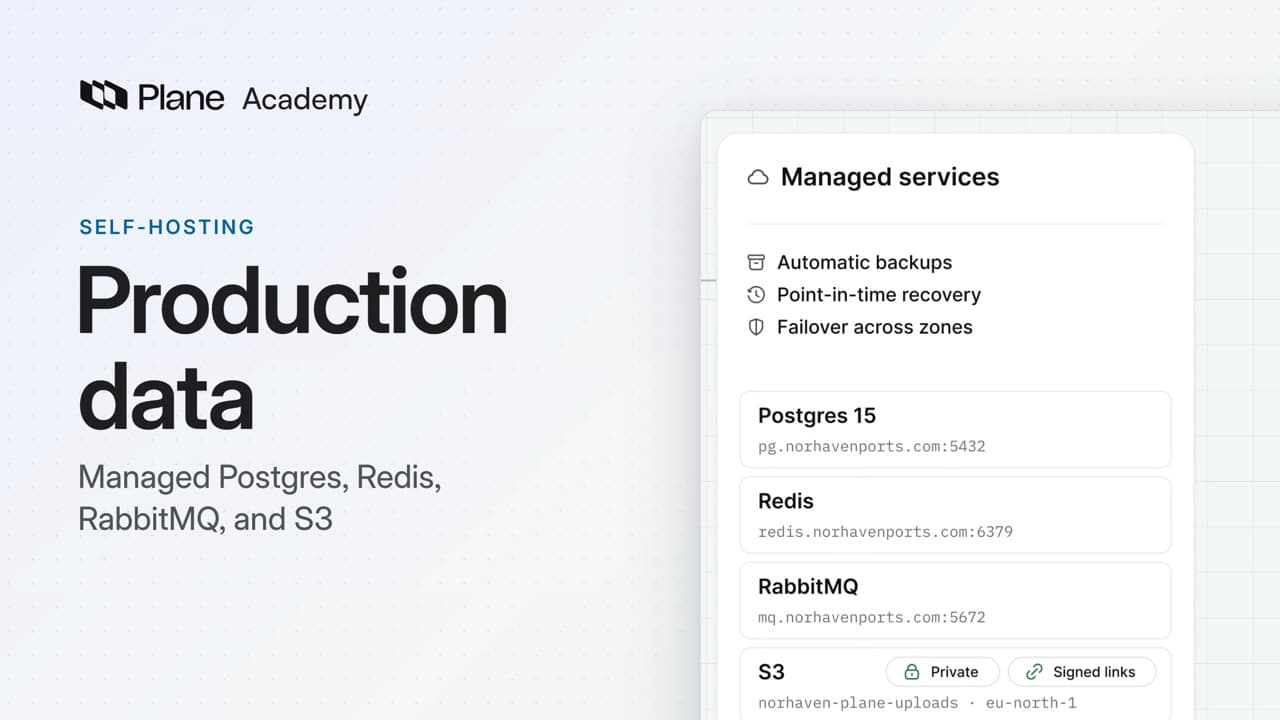
Production data
How to point self-hosted Plane at managed Postgres, Redis, RabbitMQ, and S3 with one command, move the data across once, and keep the S3 bucket private.
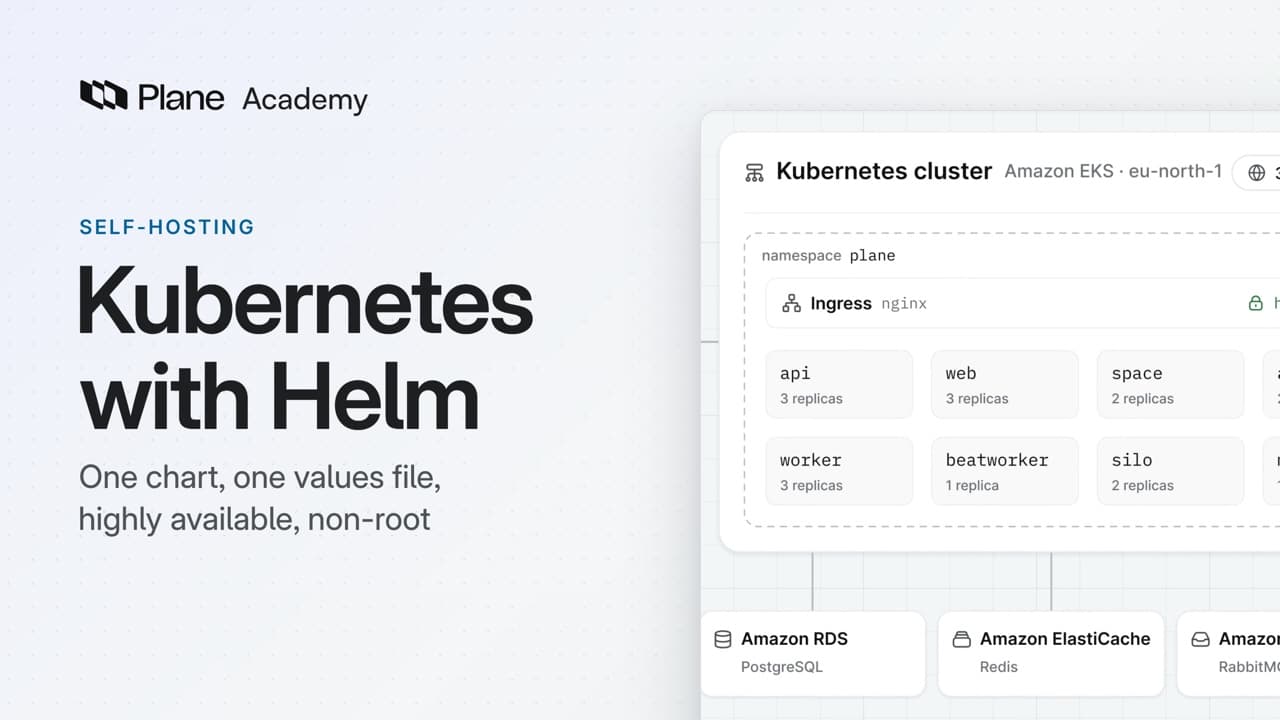
Lesson 9 · 6:29
Kubernetes with Helm
How to install self-hosted Plane on Kubernetes from the plane-enterprise Helm chart, set the values that matter for production, and run Plane highly available and non-root.
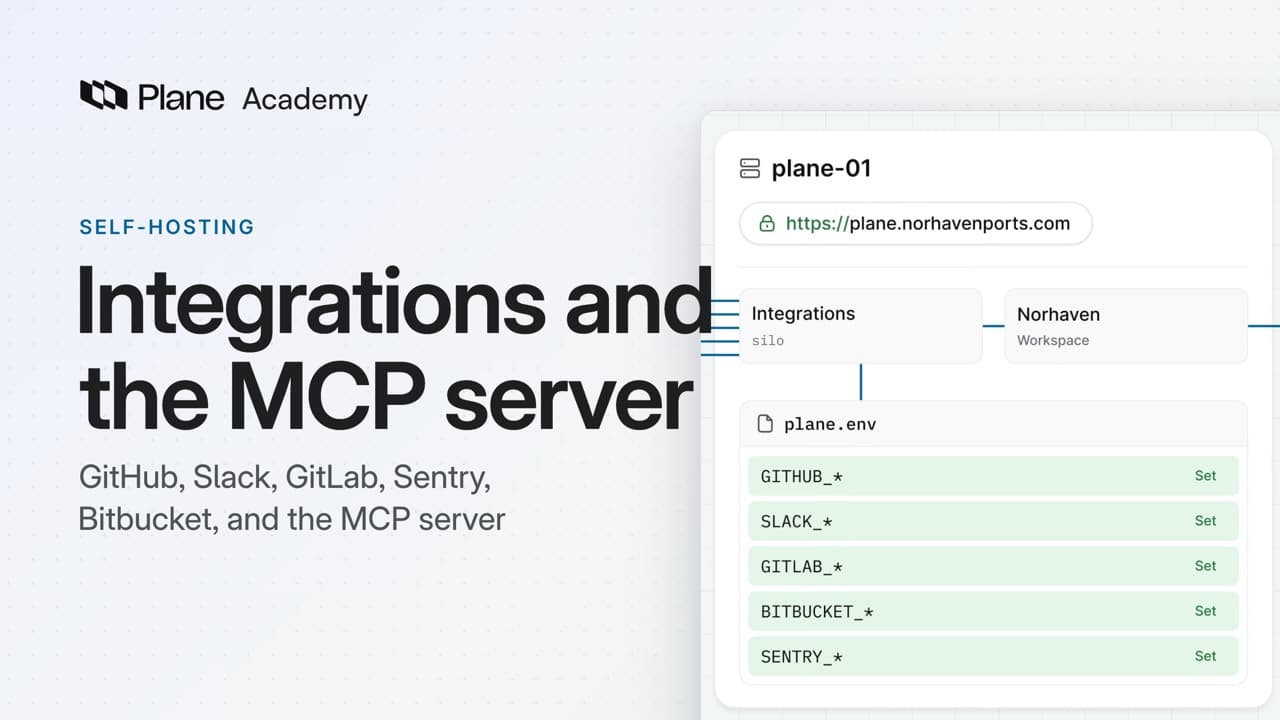
Lesson 10 · 5:52
Integrations and the MCP server
How integrations turn on for a self-hosted instance, with an app on the provider's side and its keys in plane.env, from GitHub end to end and four more in one pass to Plane's own MCP server for AI tools.
ProBusinessEnterprise Grid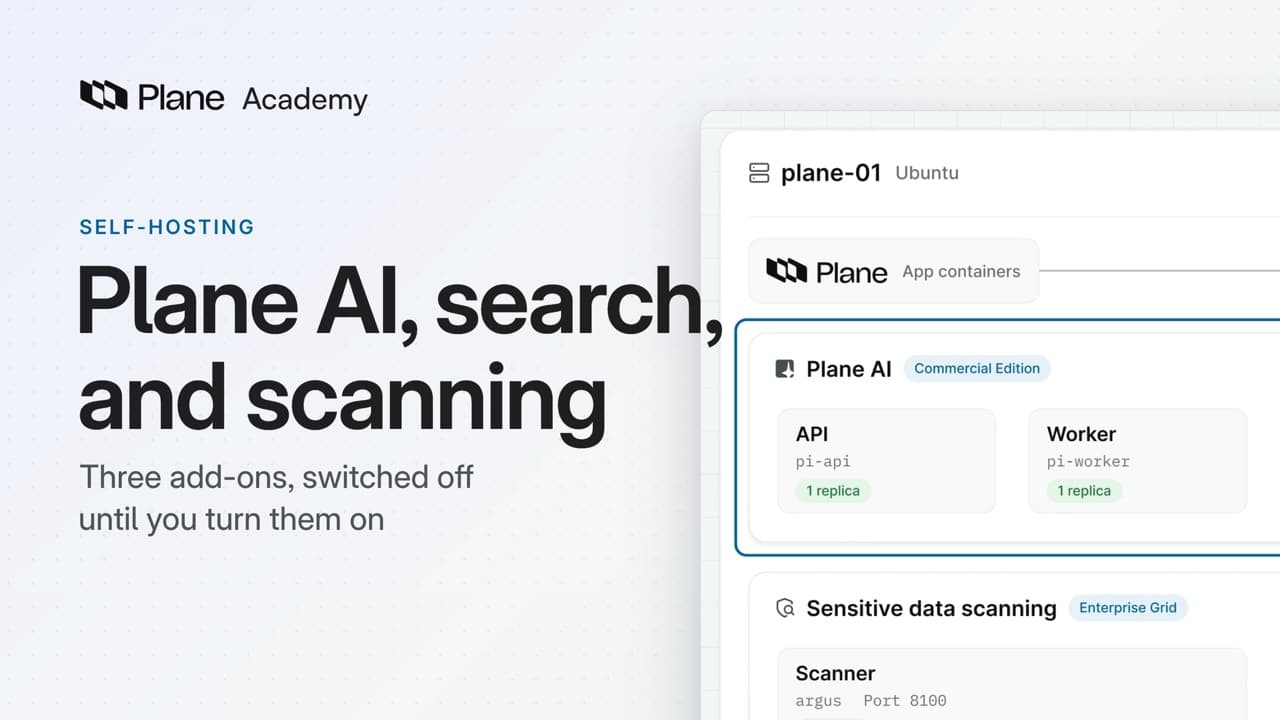
Lesson 11 · 5:52
Plane AI, search, and scanning
How the three add-ons that ship switched off, advanced search on an OpenSearch cluster you provide, Plane AI, and sensitive data scanning, each turn on with a few keys in plane.env, and how to check each one from the terminal and in the app.
ProEnterprise Grid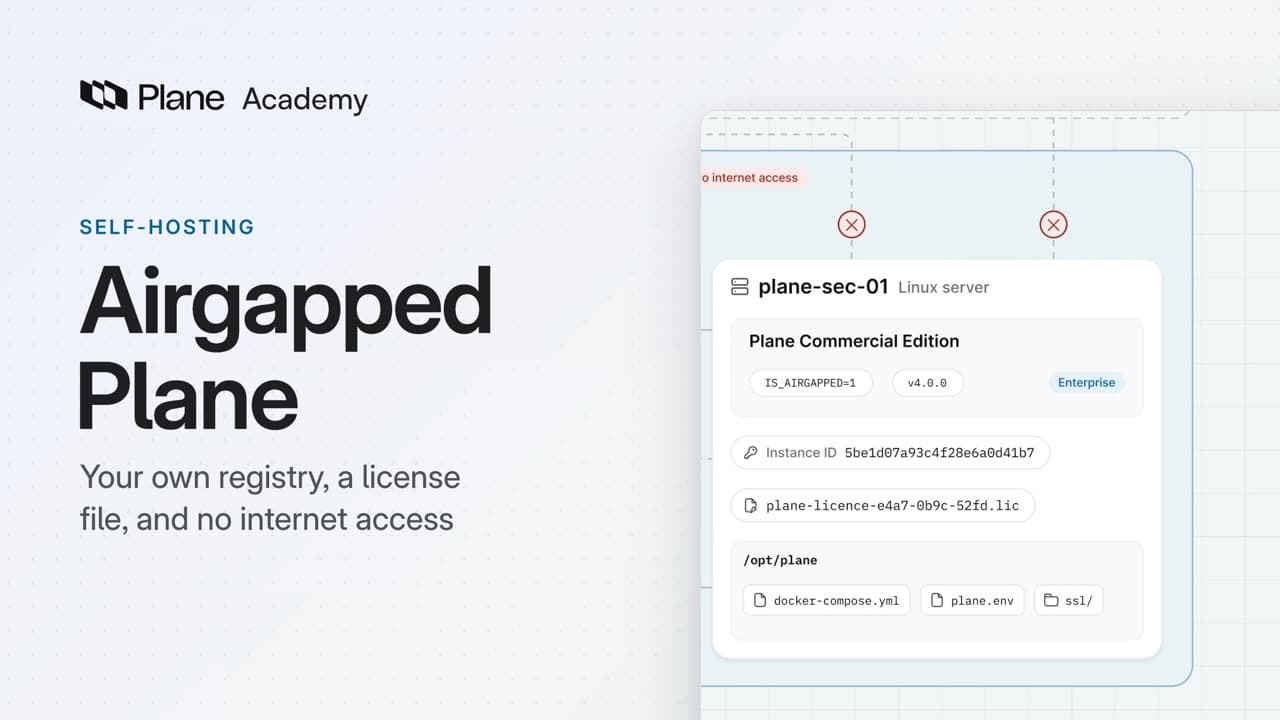
Lesson 12 · 5:06
Airgapped Plane
How airgapped Plane, the Commercial Edition set up for a network with no internet access, installs from your own container registry and takes its license as a file, from copying the images and starting Plane with Docker Compose to activating the license and updating.
Enterprise Grid
Give your next piece of work a plan
Add work items to a cycle, or group a feature's work in a module.