
Start here
Plane 101
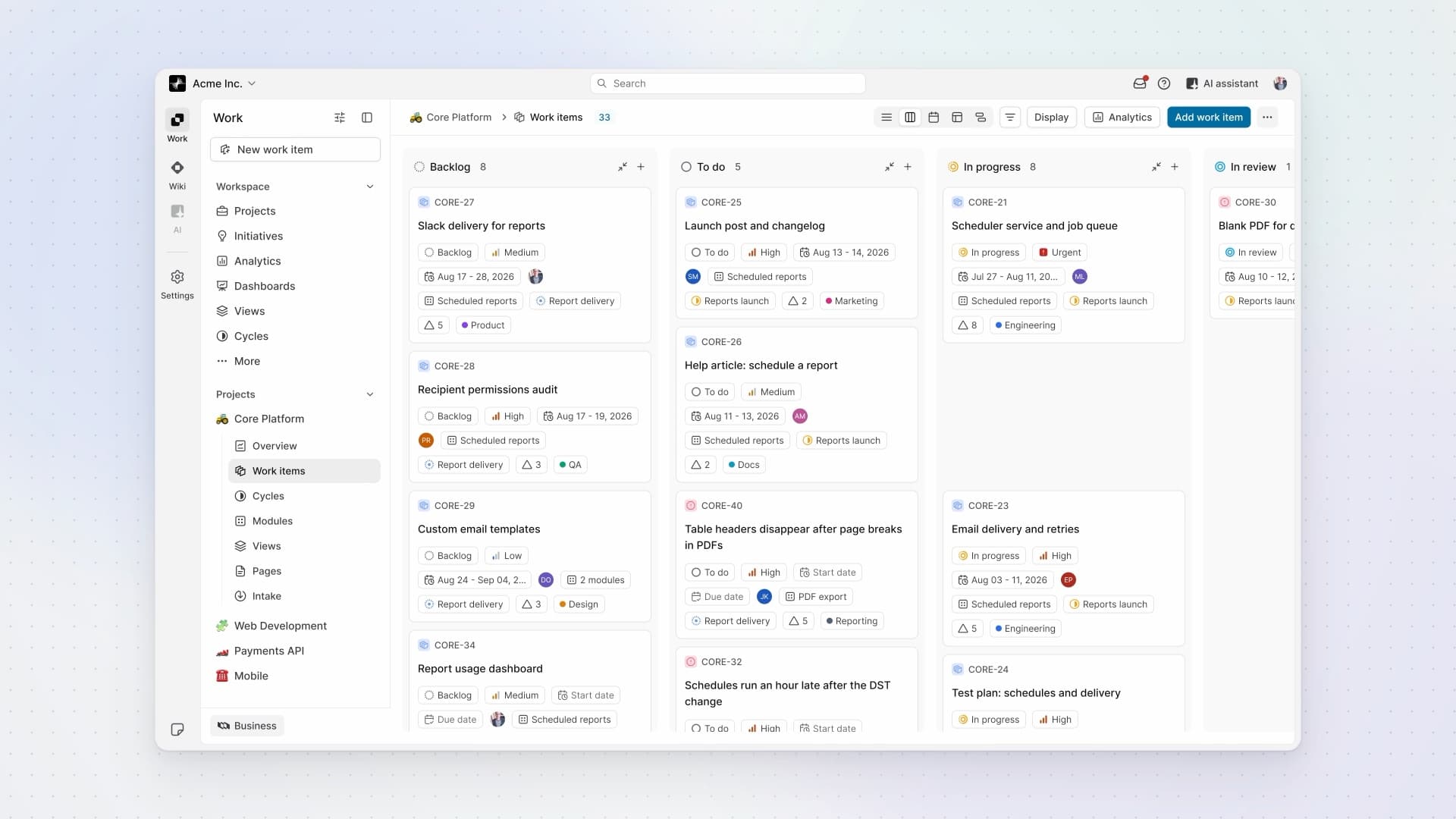
See how Plane fits together, then give work its structure: work items for the details, cycles for a period of work, and modules for the feature you're building.
- 10 lessons
- 42 min
- For evaluators and new users

Lessons
- 1:53
Lesson 1 · 1:53
What is Plane?
See how Work, Wiki, and AI fit together in one workspace, with projects inside Work and people reviewing an agent's response.
- 4:20
Lesson 2 · 4:20
Work items
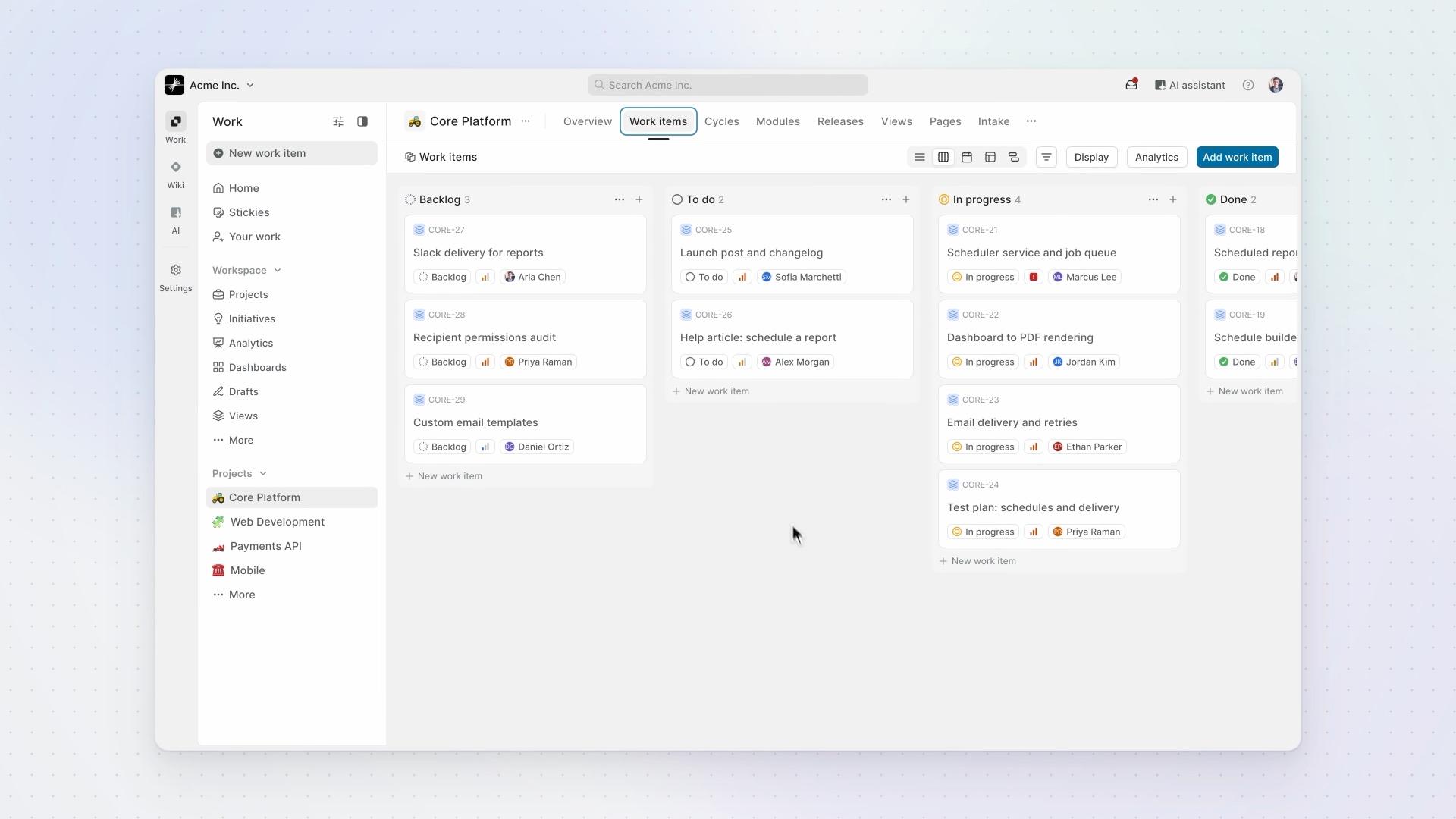
How work is structured in Plane: work items hold the work, states show where each one stands, and work item types define what each kind of work needs.
- 4:22
Lesson 3 · 4:22
Cycles
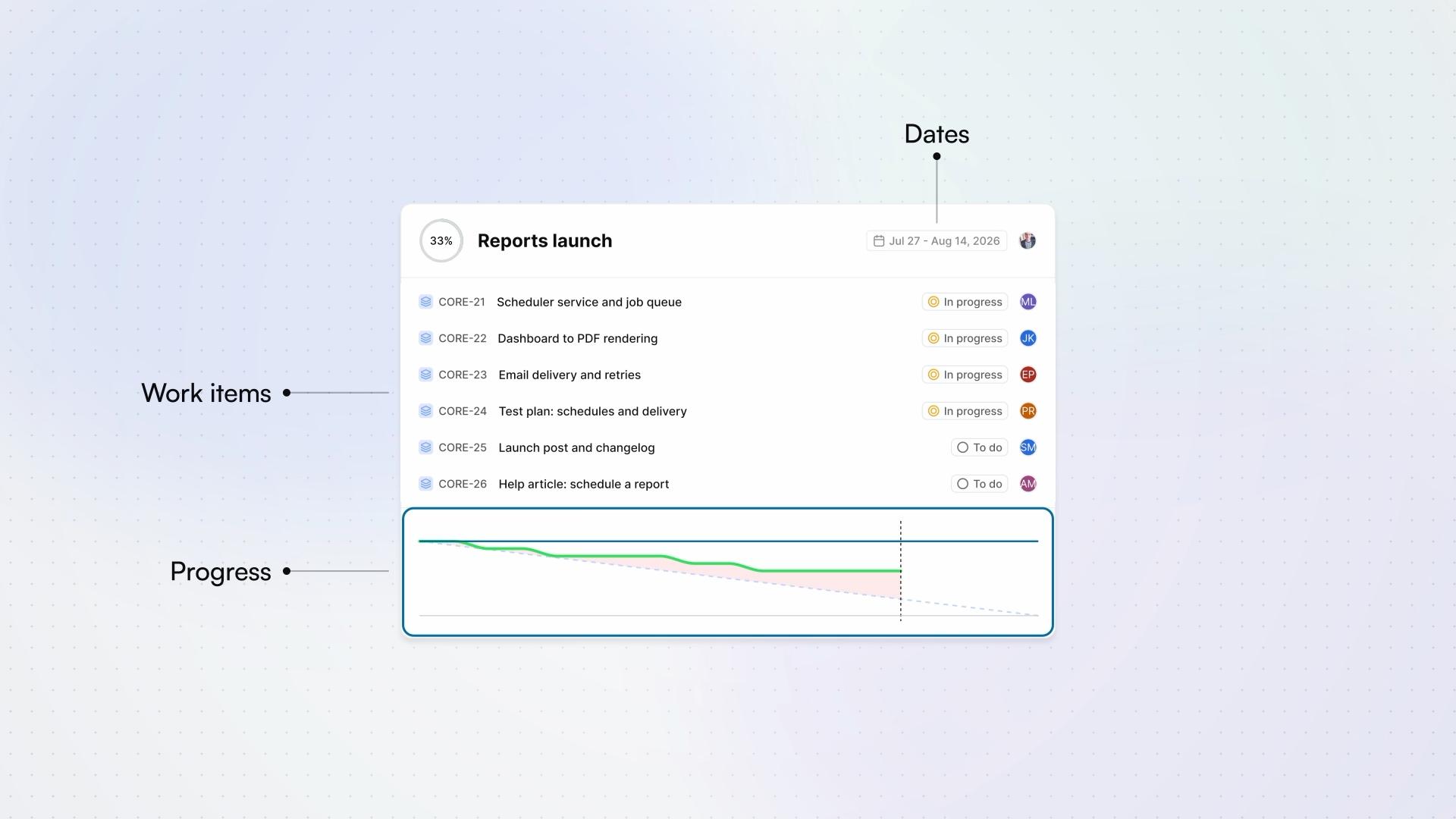
How a cycle works in Plane, from planning it to letting Plane schedule the next ones.
ProBusinessEnterprise Grid - 3:34
Lesson 4 · 3:34
Modules
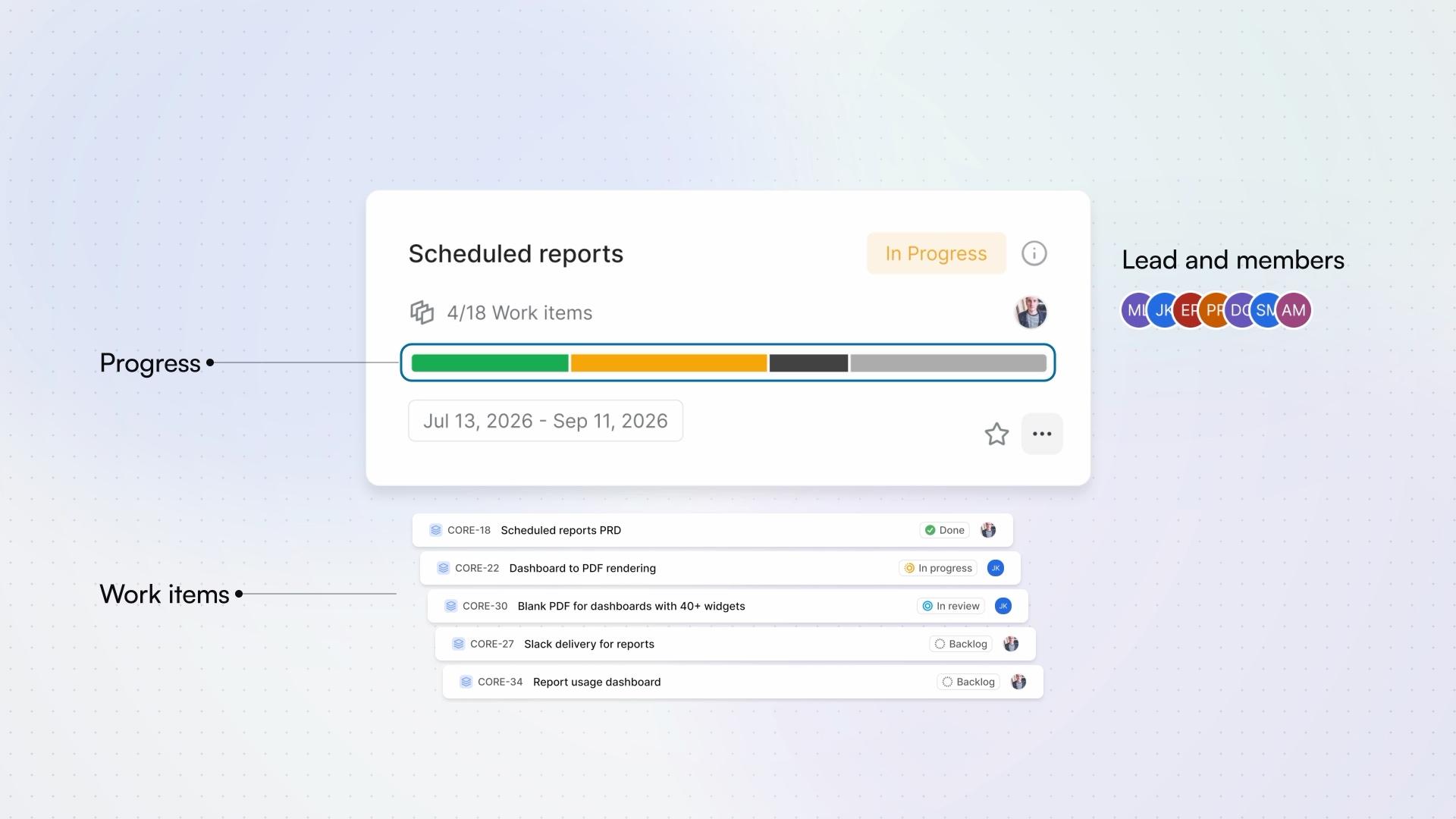
How a module tracks one part of a project, from creating it to following it across cycles.
- 5:06
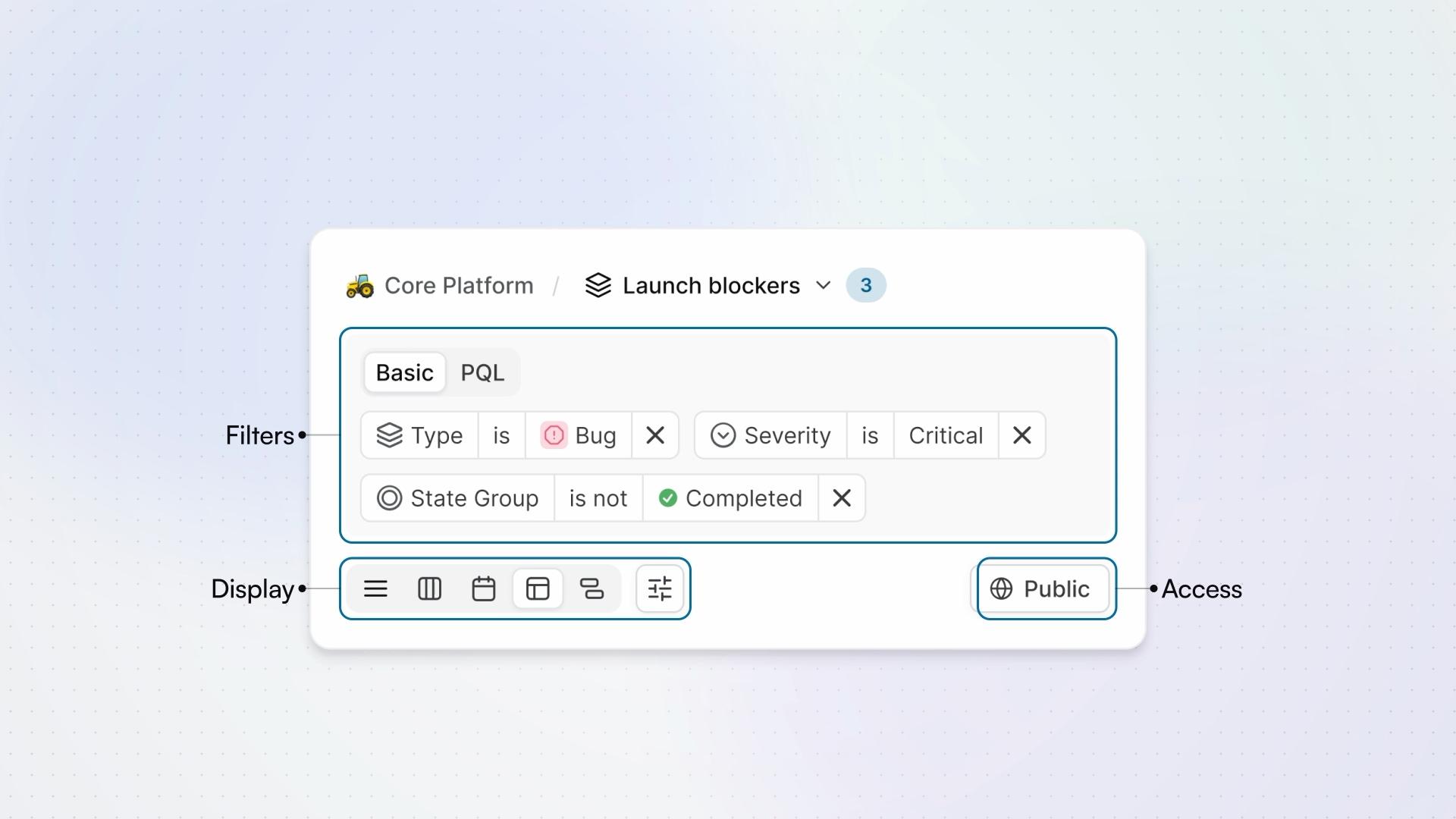
Lesson 5 · 5:06
Views
How a view saves a question about your work items, from the filters that ask it to who can see the answer.
Pro - 4:19
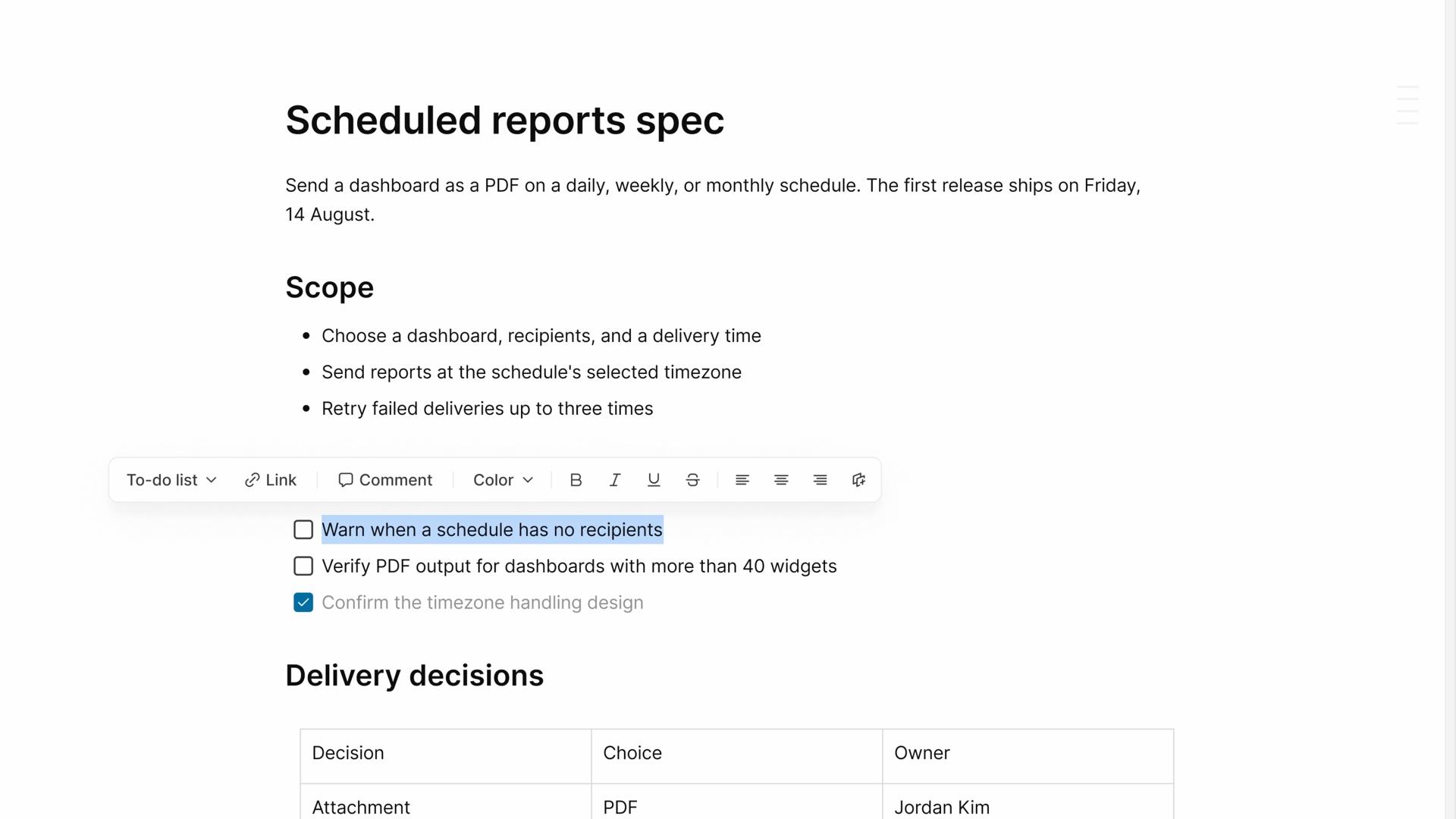
Lesson 6 · 4:19
Pages
How a project page keeps the notes and decisions behind your work, from writing it to connecting work items, reviewing changes, and choosing who can read it.
FreeProBusiness - 5:20
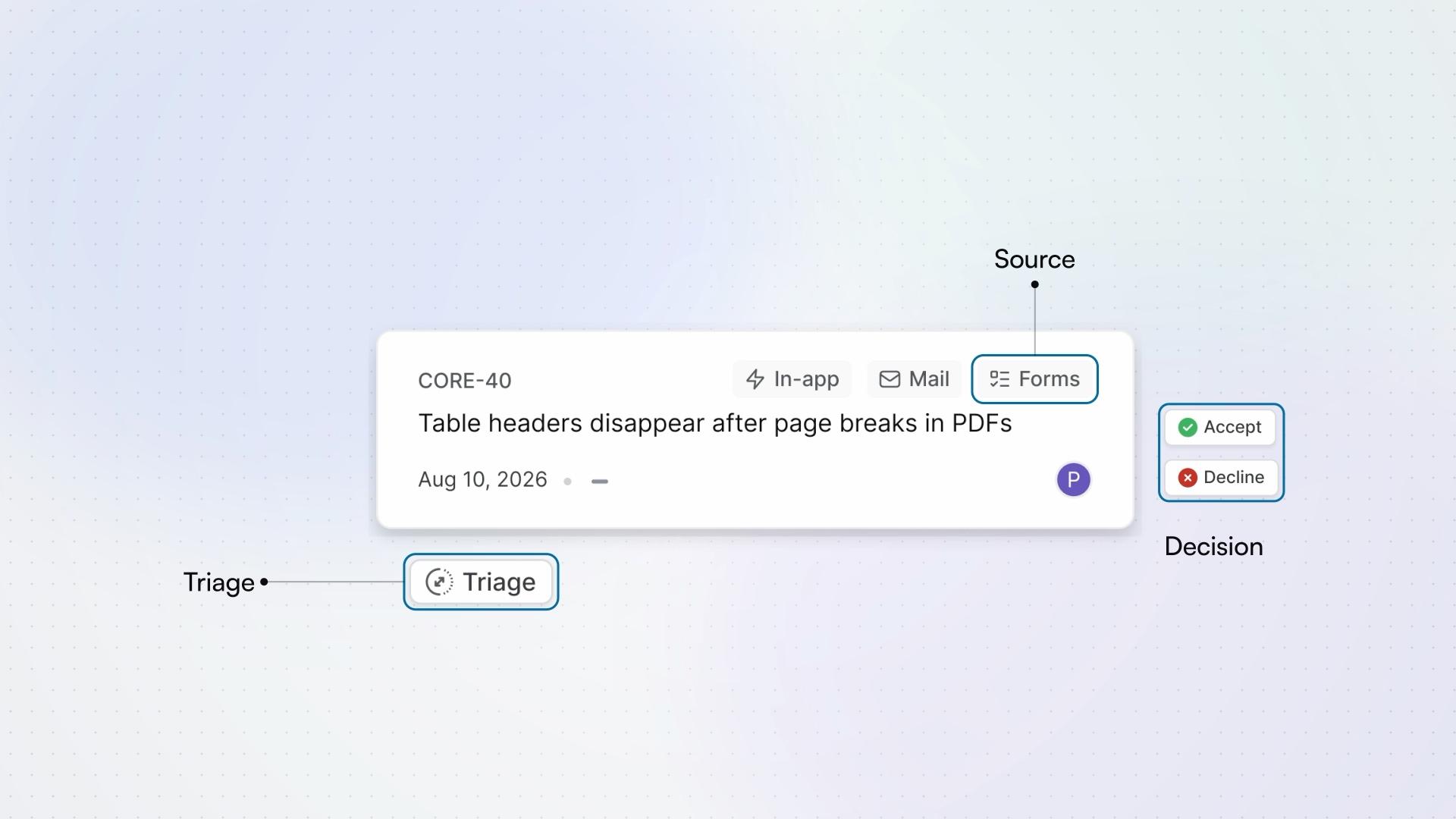
Lesson 7 · 5:20
Intake
How Intake turns requests into work items, from the moment a request arrives, in the app, by email, or through a form, to the moment it joins the project.
Business - 3:10
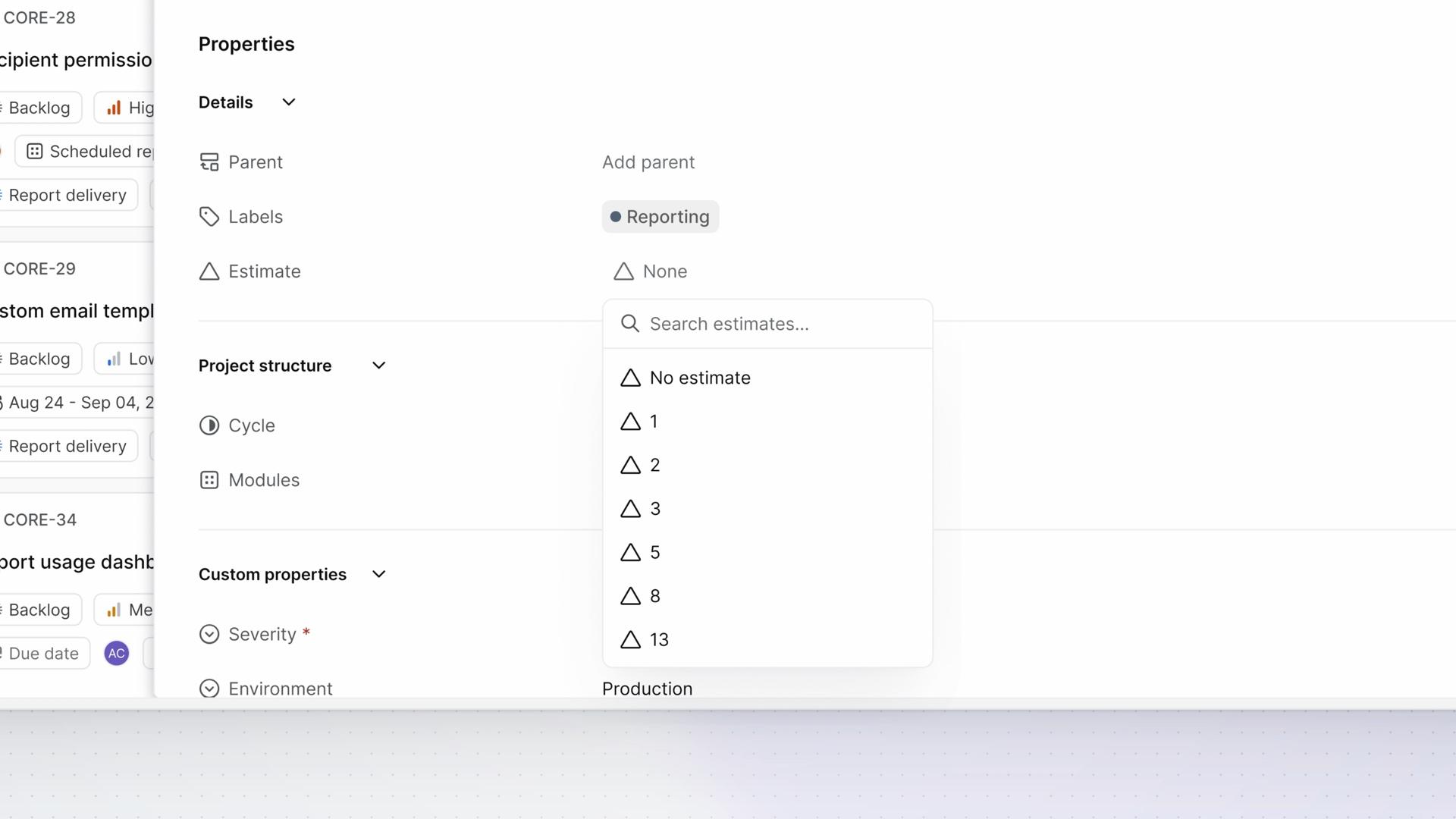
Lesson 8 · 3:10
Estimates
How estimates describe the effort a work item needs, from choosing a project's estimate system to reading progress in points.
FreePro - 5:15
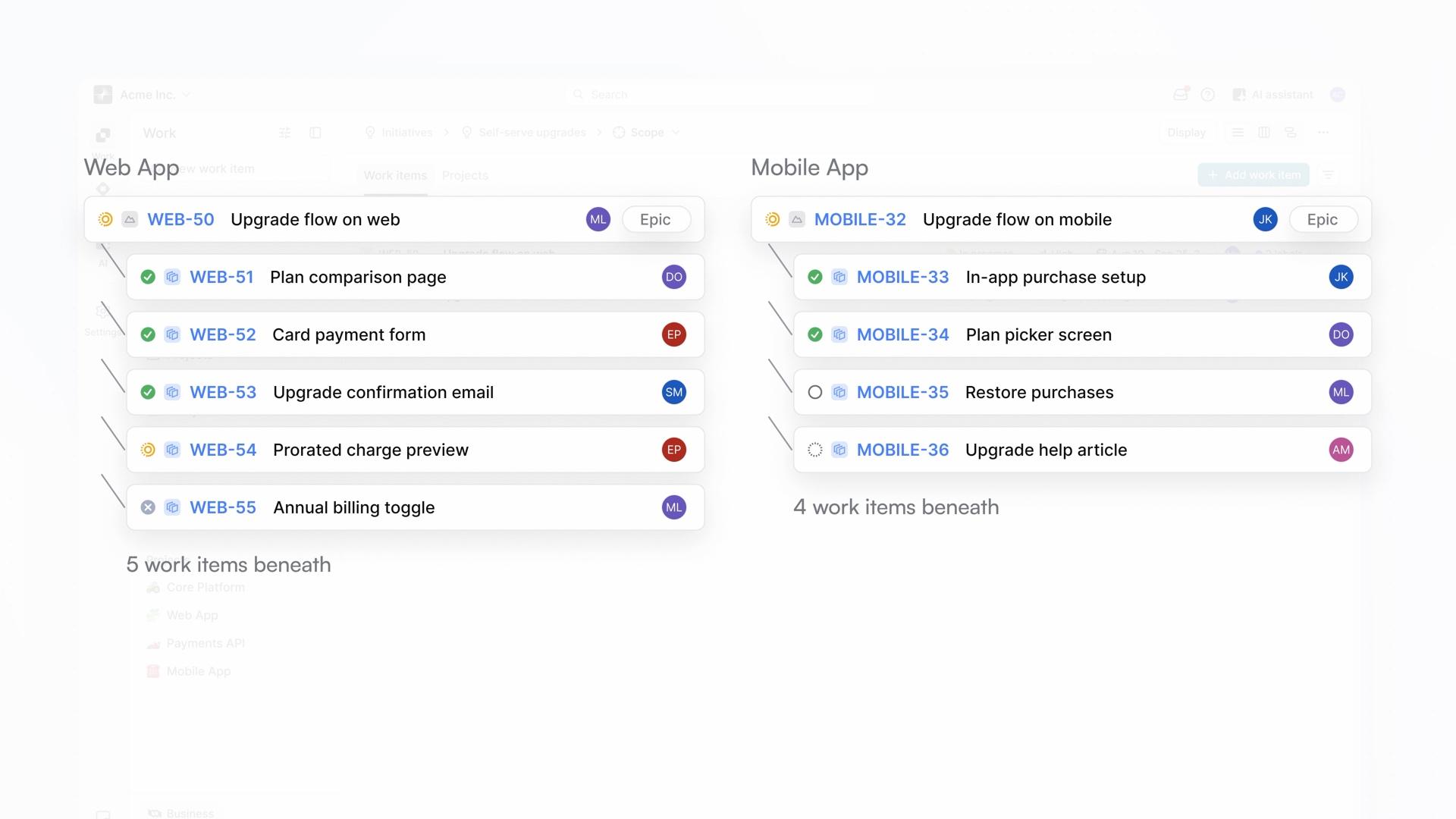
Lesson 9 · 5:15
Initiatives
How an initiative connects work across projects to a shared goal, from creating it and choosing its scope to reading its progress and keeping the goal's context with the work.
Pro - 4:40
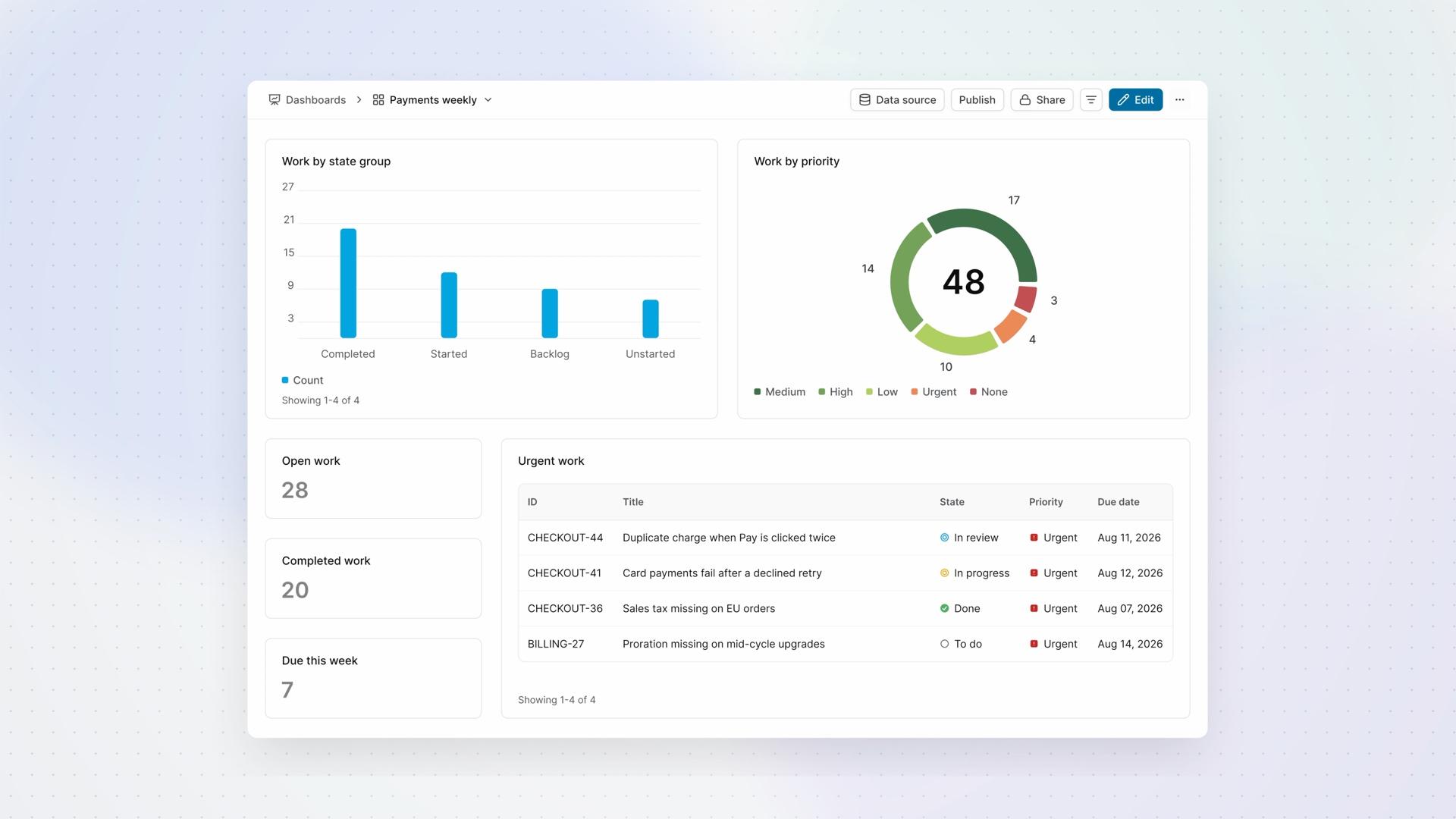
Lesson 10 · 4:40
Dashboards
How a dashboard brings counts, charts, and tables together for regular review, from choosing its data and widgets to filtering what you see and deciding who can read it.
ProBusinessEnterprise Grid