
Lesson 2 of 4 · 4:14
Work items, states, and work item types
In this video
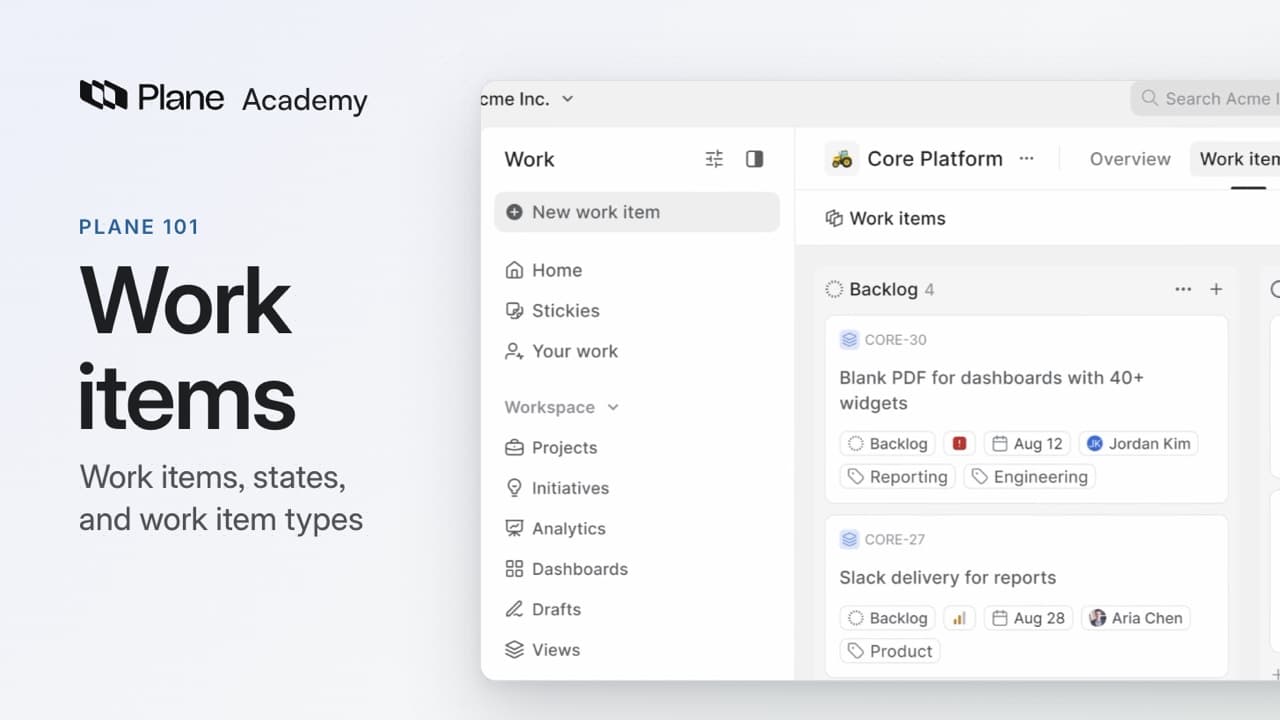
See how work items, states, and work item types give each project a structure the team can follow.
- Where projects and their work items fit in a workspace.
- How IDs identify work items, and properties give the team context to plan and sort work.
- Five ways to see the same work items: List, Board, Calendar, Table, and Timeline.
- The five state groups, and how adding In review under Started keeps that work in progress.
- How work item types give each kind of work its own properties.
- How filters and saved views help the team work from the same list.