
Plane Academy
Plan projects, document decisions, and review work in one workspace. Learn how teams and agents use Work, Wiki, and AI.
Put the basics to work
Start with Plane 101
See how Plane fits together, then give work its structure: work items for the details, cycles for a period of work, and modules for the feature you're building.
Lesson 1 · 1:53 · Start here
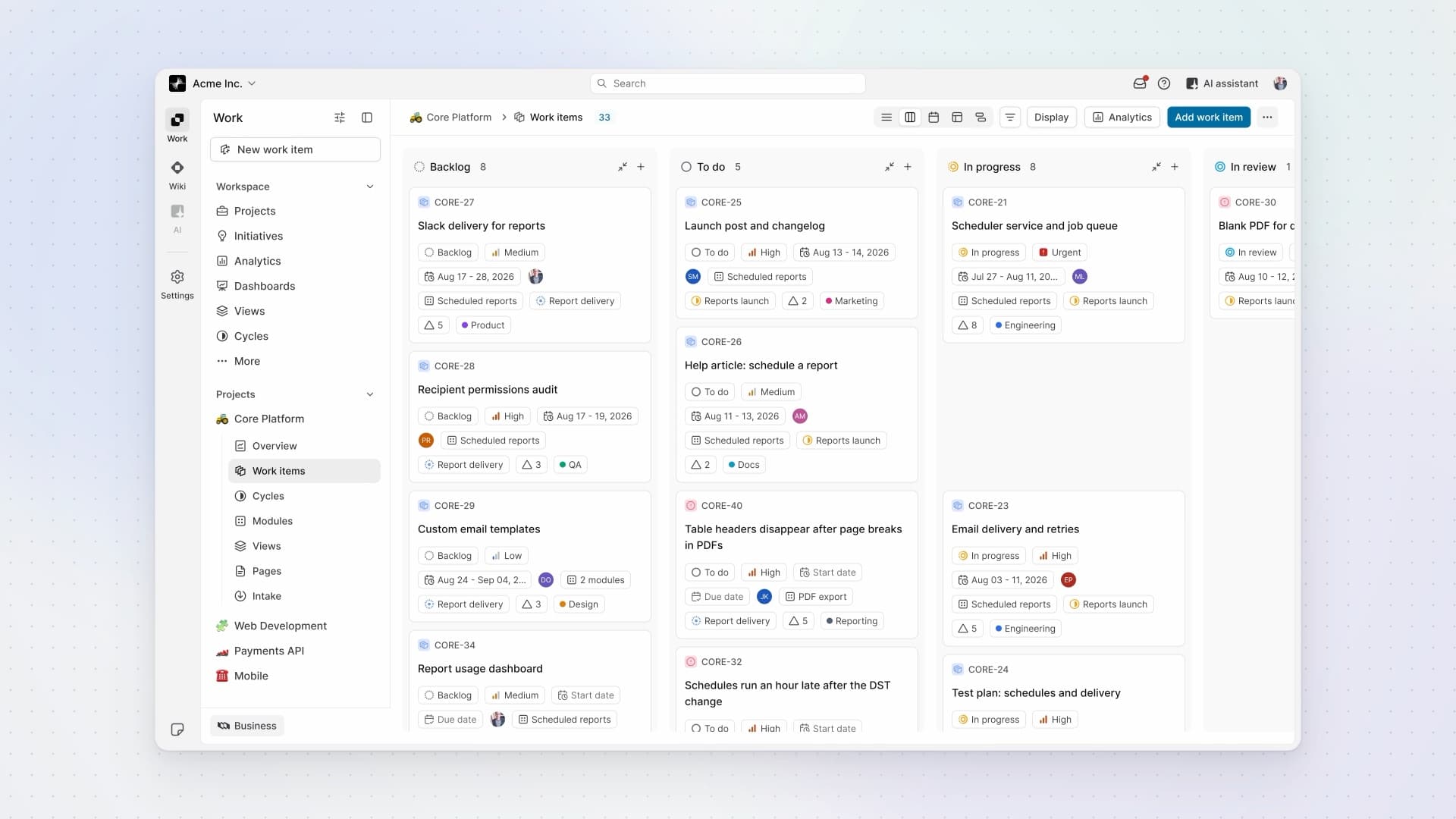
What is Plane?
See how Work, Wiki, and AI fit together in one workspace, with projects inside Work and people reviewing an agent's response.
Your starting point
See Plane, then organize the work
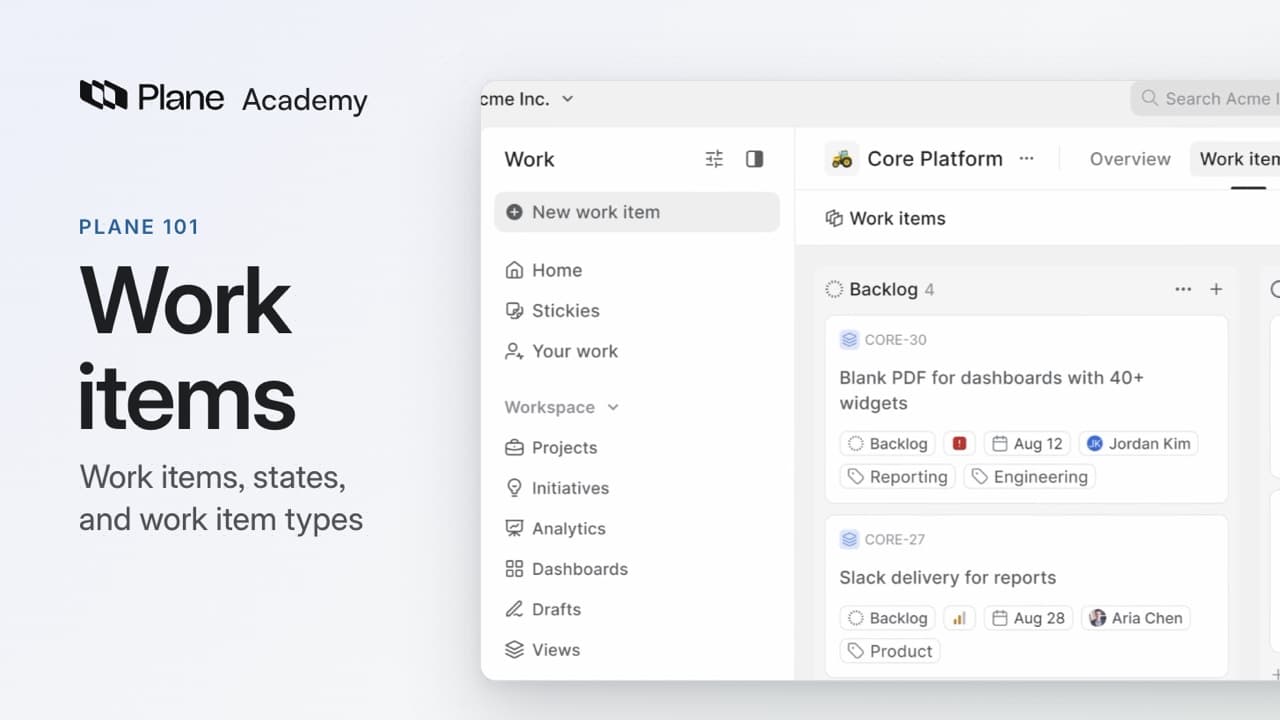
Lesson 2 · 4:14
Work items
How work is structured in Plane: work items hold the work, states show where each one stands, and work item types define what each kind of work needs.
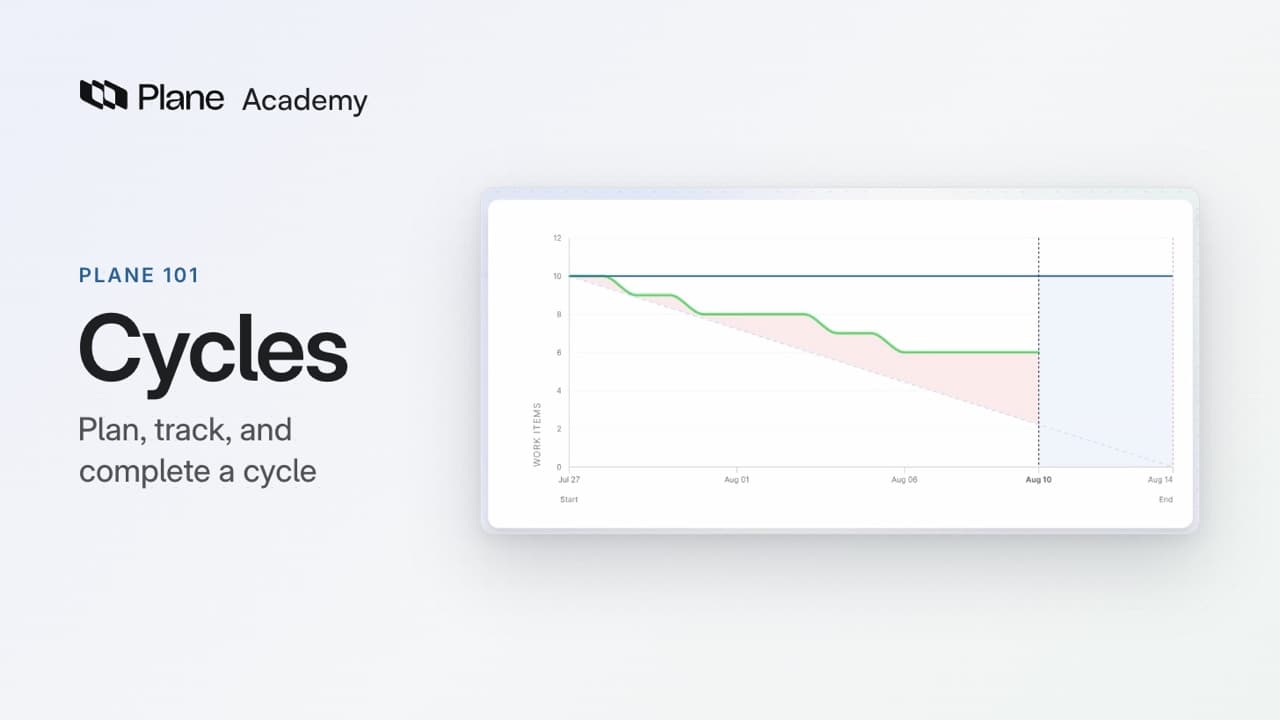
Lesson 3 · 4:15
Cycles
How a cycle works in Plane, from planning it to letting Plane schedule the next ones.
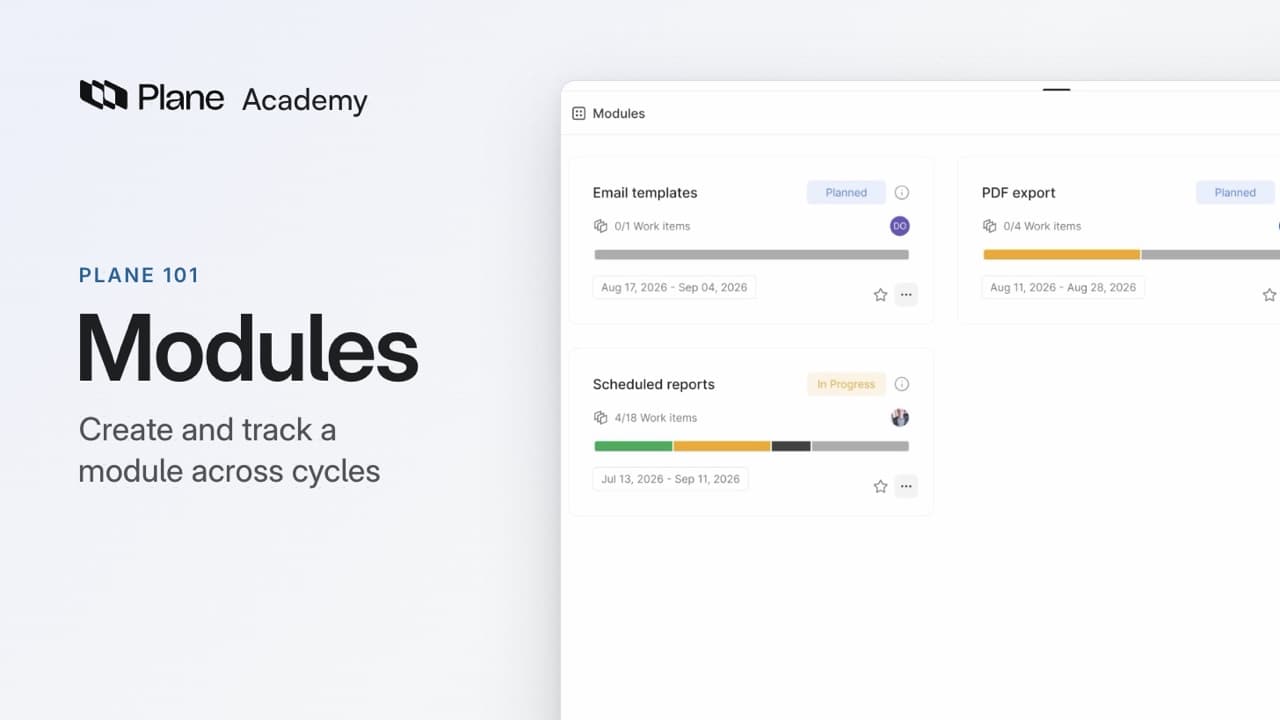
Lesson 4 · 3:27
Modules
How a module tracks one part of a project, from creating it to following it across cycles.
Go deeper in the docs
Plane is Work, Wiki, and AI
Projects are part of Work, Wiki holds knowledge beyond a project, and AI brings Plane AI and agents together.
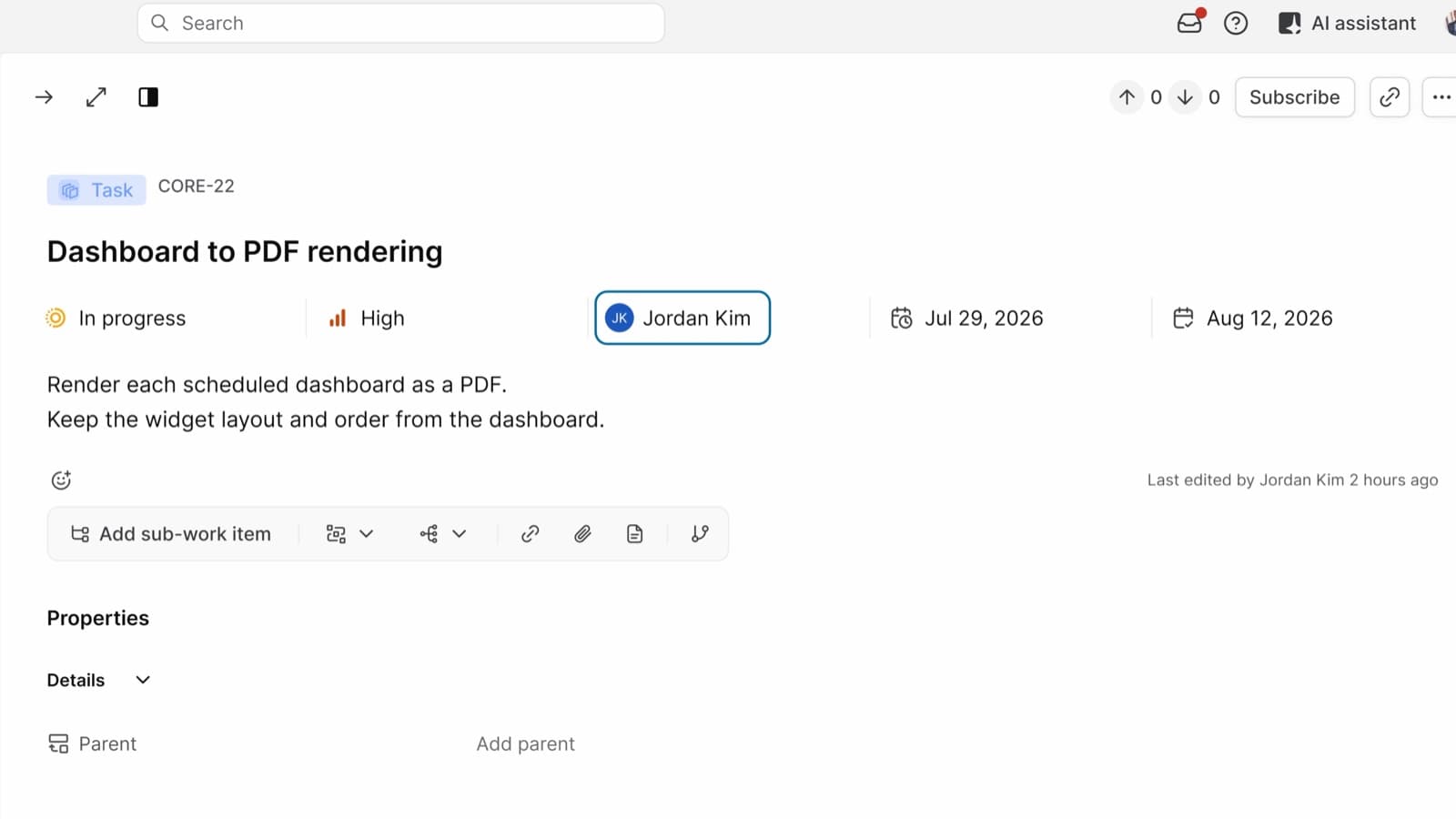
Work
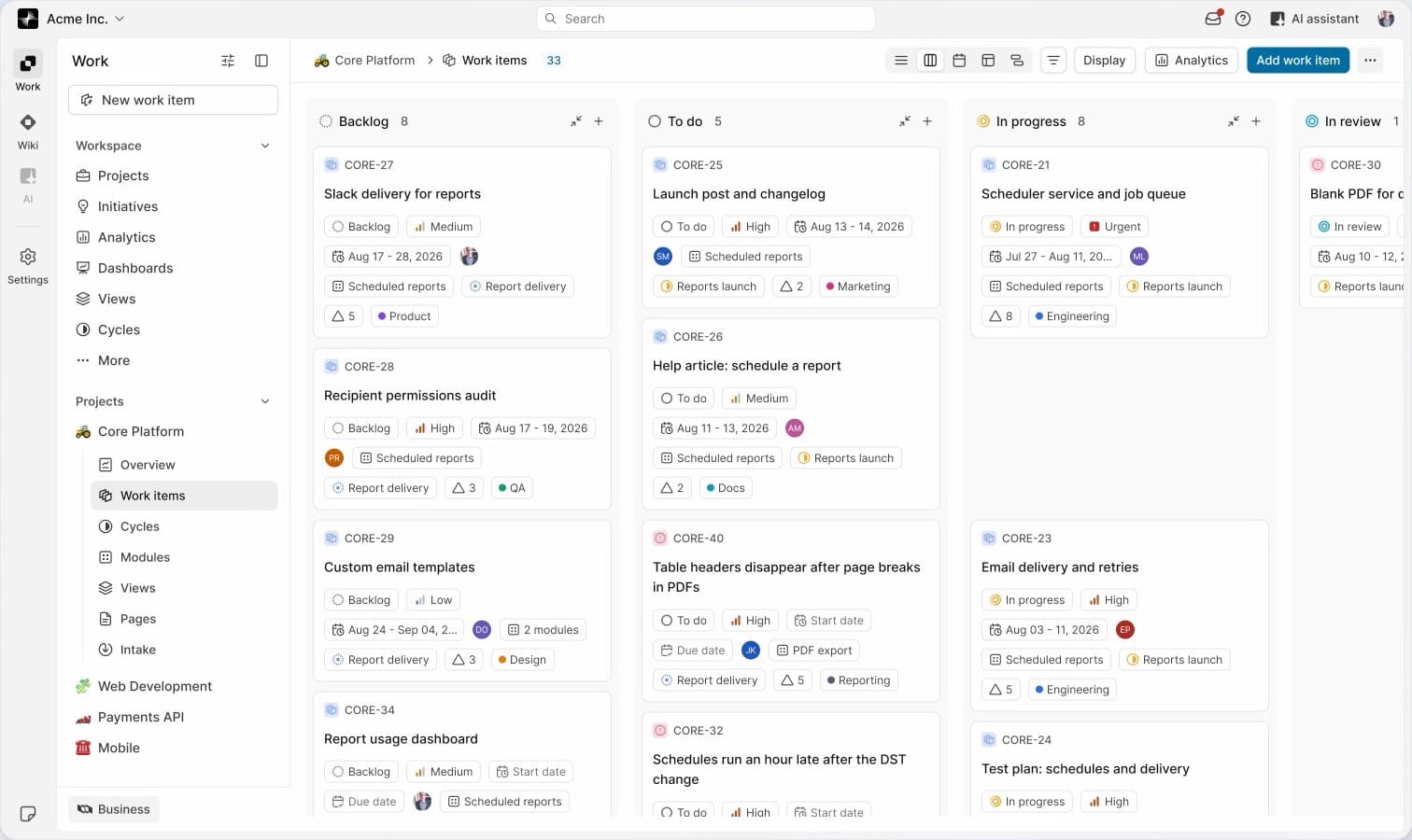
Give work a structure
Use projects to organize work items, cycles to plan a period of work, and modules to group work on a feature.
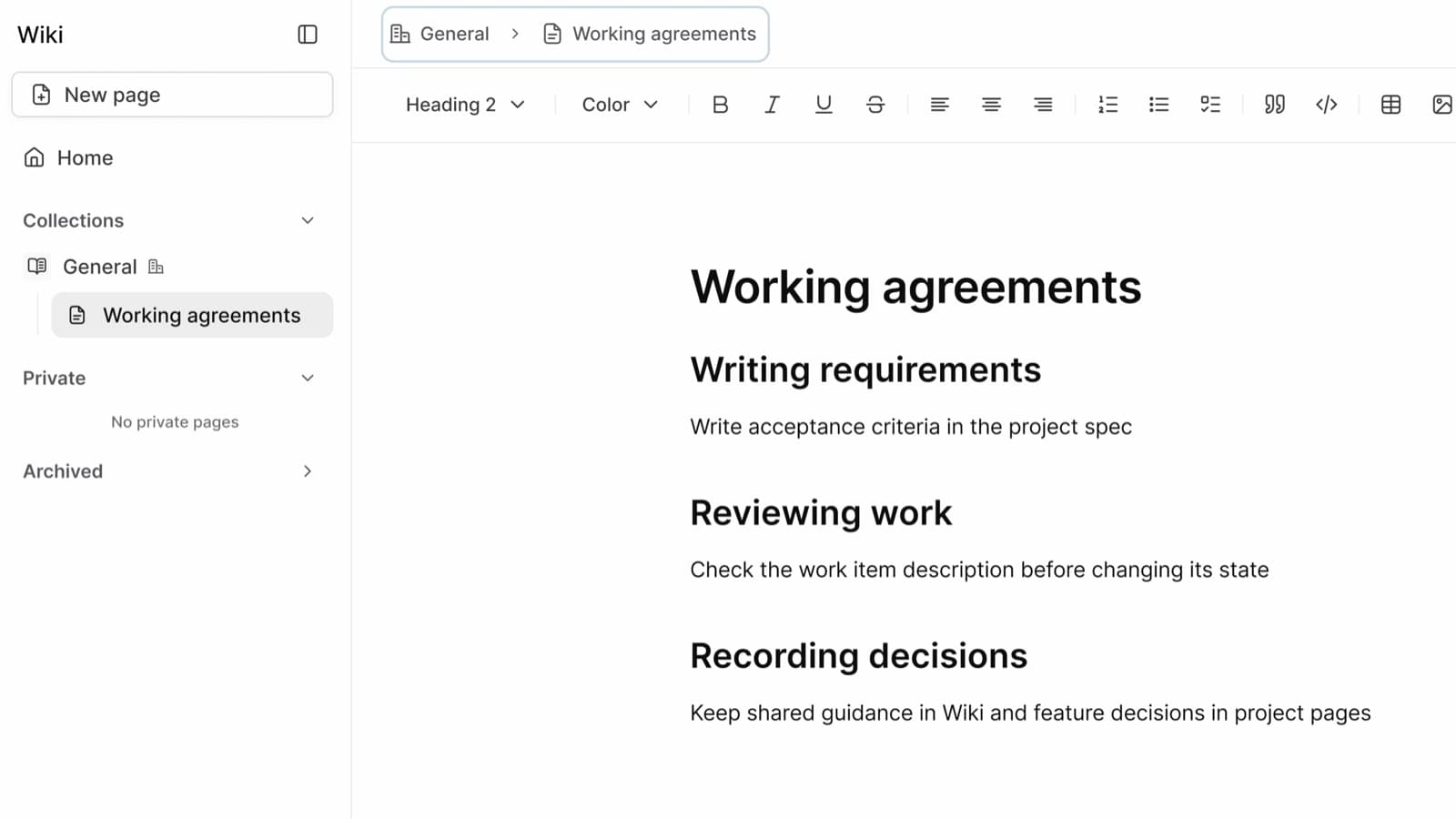
Wiki
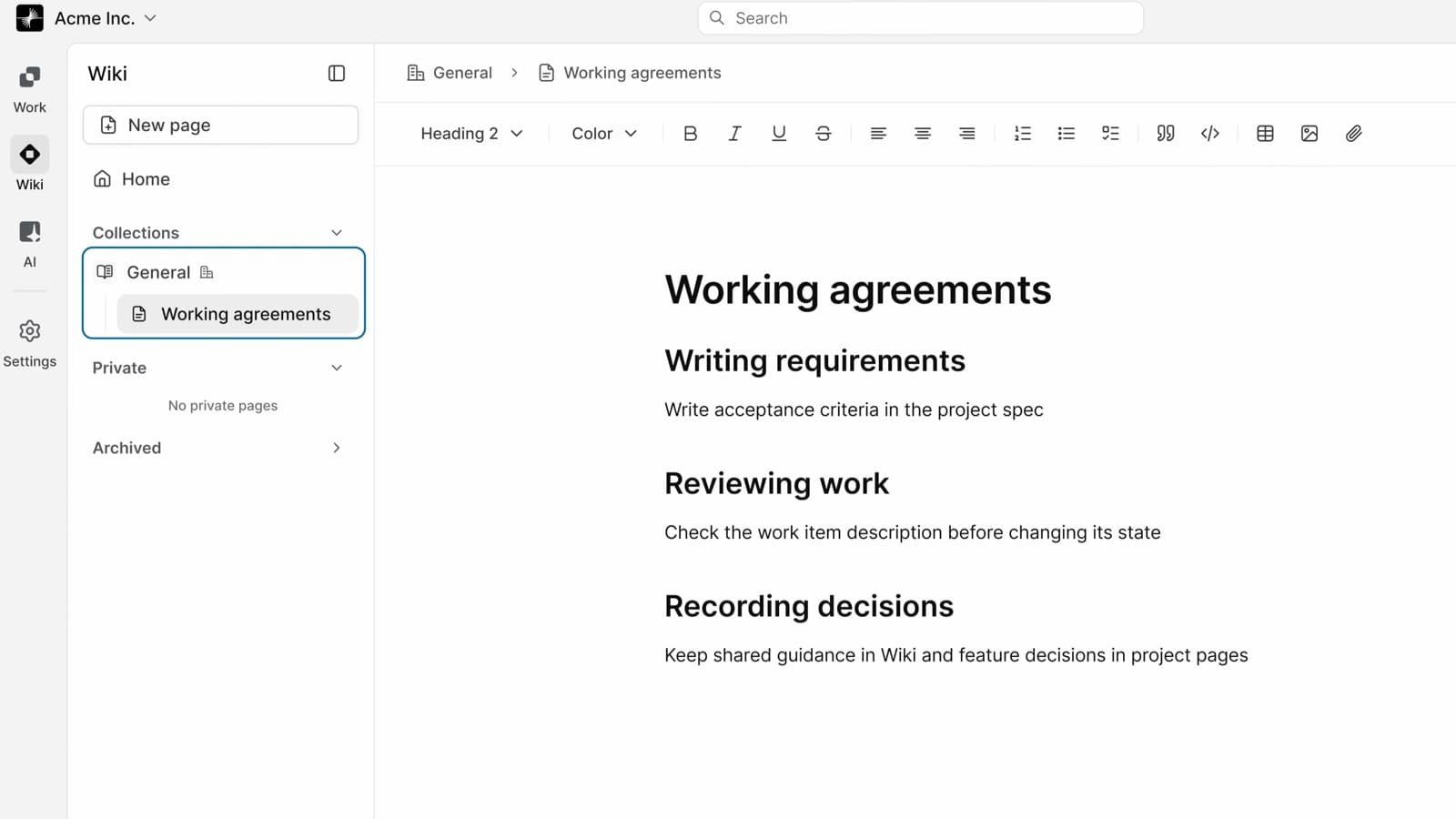
Pro and higherShare what your team knows
Organize onboarding guides, policies, and other workspace pages into Wiki collections.
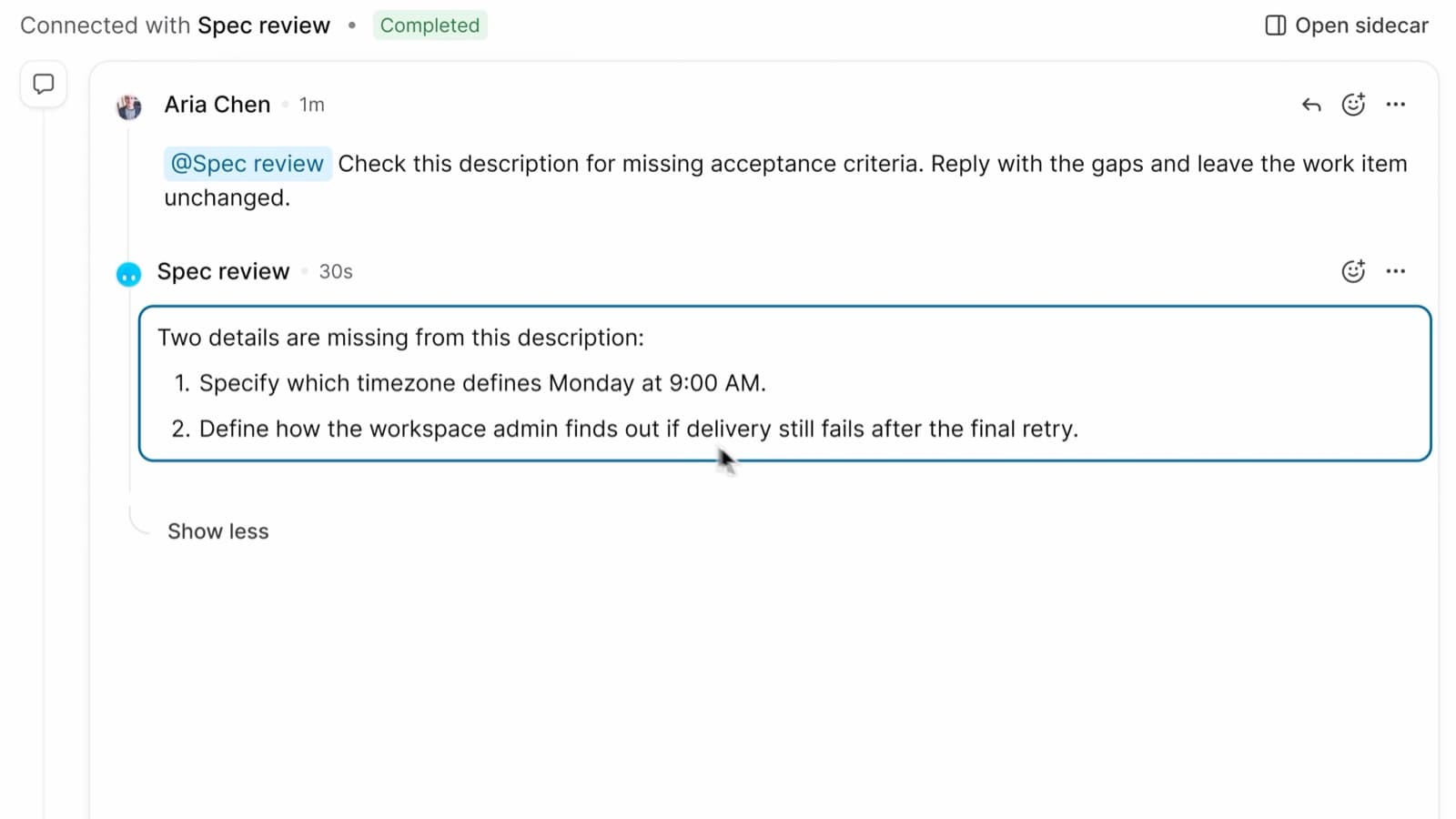
AI
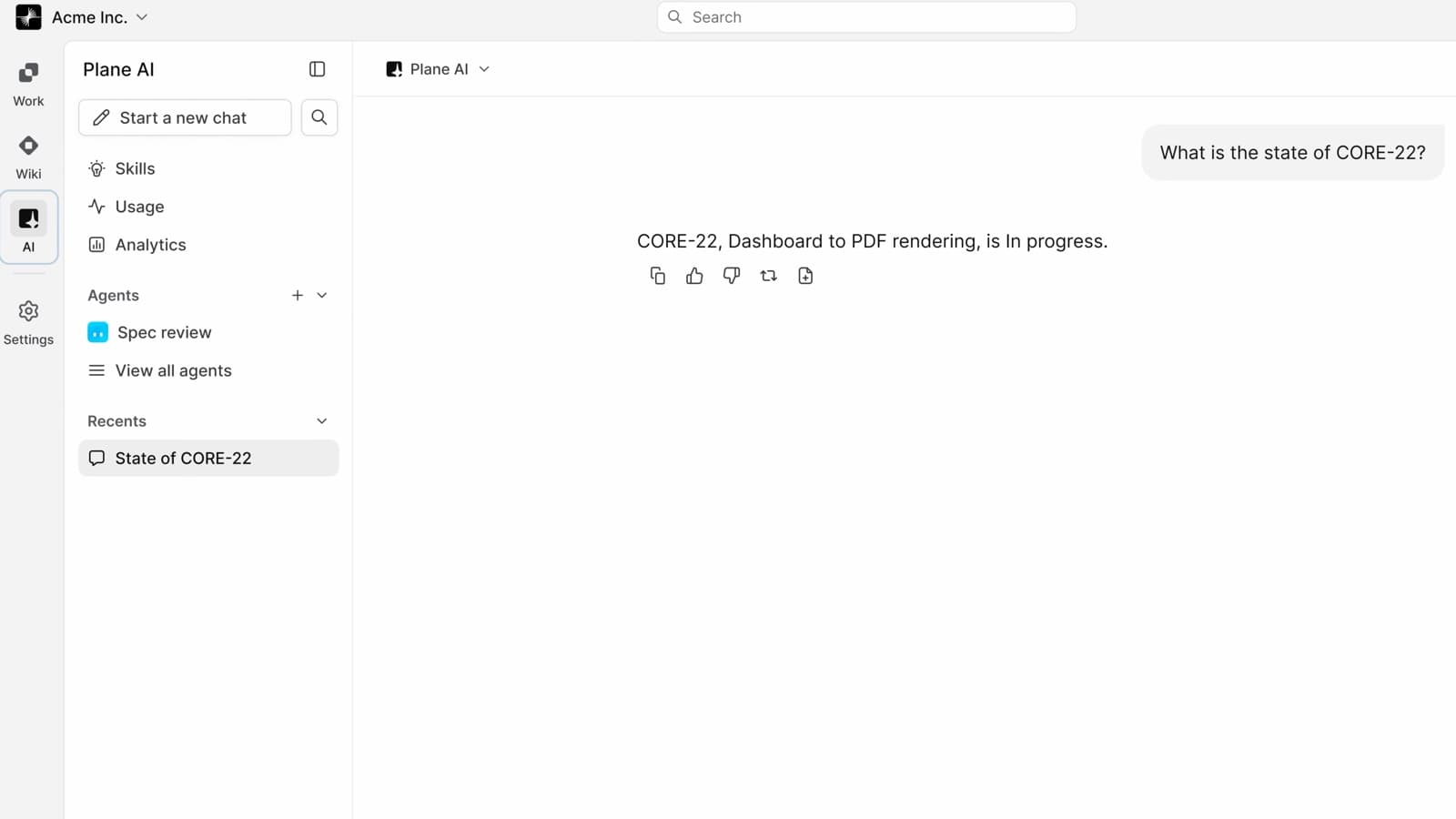
Cloud Pro and higherAsk questions and review work
Ask Plane AI about work items and pages you can access, or mention a configured agent in a work item comment to start a review.
Product updates
Recently shipped in Plane
Give your next piece of work a plan
Add work items to a cycle, or group a feature's work in a module.