
Lesson 3 of 12 · 5:45
Turn on HTTPS, move to a new domain, and send email from self-hosted Plane
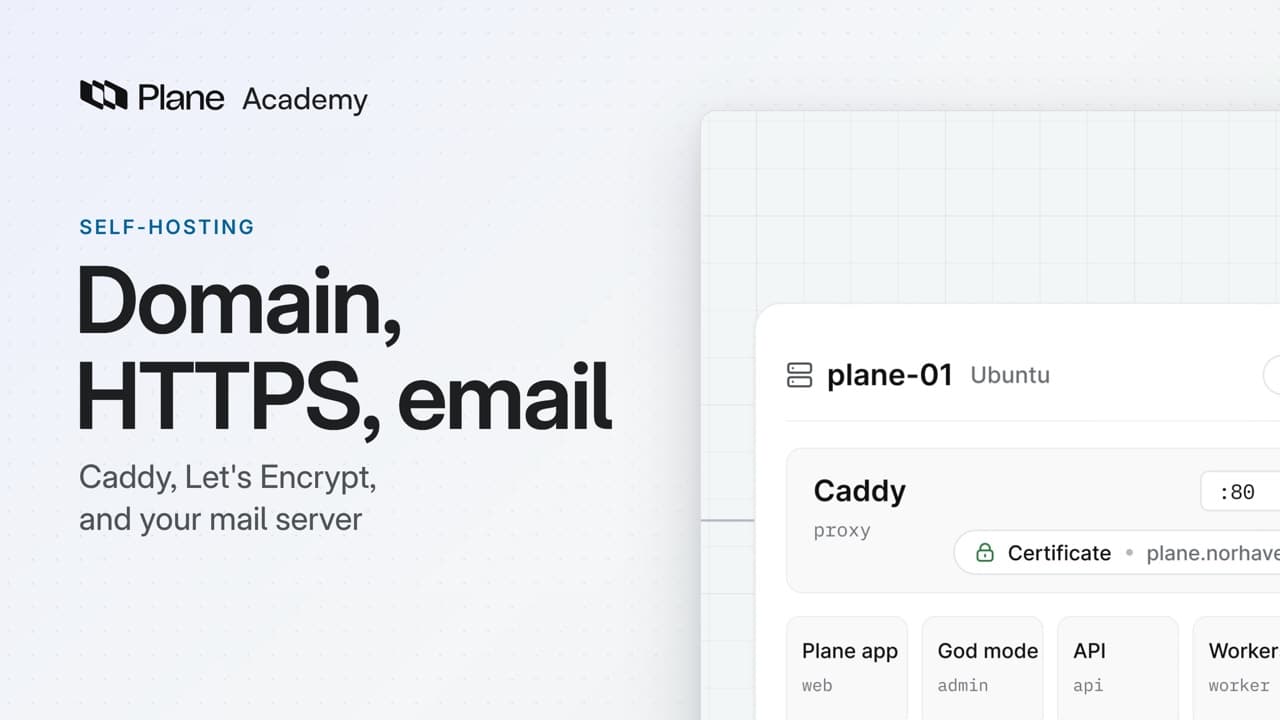
How to turn on HTTPS with a Let's Encrypt certificate or your company's own, move Plane to a new domain, and connect a mail server in God mode, so your instance answers at one domain through Caddy and sends its email.
In this course
- 1Self-hosted Plane4:35
- 2Install with Docker5:09
- 3Domain, HTTPS, email5:45
- 4Sign-in and SSO5:47
- 5Plans and licenses5:40
- 6Run your instance5:27
- 7Back up, restore, and upgrade6:17
- 8Production data5:18
- 9Kubernetes with Helm6:29
- 10Integrations and the MCP server5:52
- 11Plane AI, search, and scanning5:52
- 12Airgapped Plane5:06
What you will learn
- Your Plane instance answers at one domain through Caddy, the proxy that ships with it. By default, that address serves plain HTTP, and no email goes out.
- sudo prime-cli ssl --enable, with --email for renewal notices, writes four lines to plane.env, restarts Plane, and waits for a Let's Encrypt certificate that Caddy renews on its own. The domain must resolve to the server with ports 80 and 443 open, and a bare IP address cannot get a certificate.
- SITE_ADDRESS is the name Caddy serves, and WEB_URL is the address Plane puts in its links and emails.
- For your company's own certificate, the full chain goes in /opt/plane/ssl/cert.pem and the key in key.pem, with SITE_ADDRESS and WEB_URL set to https, then sudo prime-cli restart. Behind a reverse proxy of your own, Caddy stays on plain HTTP: run setup with --behind-proxy, or set SITE_ADDRESS to :80.
- The domain lives in four lines of plane.env (DOMAIN_NAME, SITE_ADDRESS, WEB_URL, and CORS_ALLOWED_ORIGINS) and in the domain line of .config.env, which upgrades and repairs rebuild the four lines from. Point DNS at the server first, then restart, and expect a few minutes of downtime.
- Sign-in providers and integrations that redirect back to Plane need the new address in their own settings too.
- Plane sends sign-in codes, password resets, invitations, notification emails, and analytics and page exports by email. Until a mail server is set up, sign-in asks for a password instead of a code, and password resets are unavailable.
- Email is set up in God mode under Email: turn on the switch, enter the Host, Port, and Sender's email address, choose TLS, SSL, or No email security, add optional username and password authentication, then Save changes and Send test email.
Domain, HTTPS, and email
0:00Your Plane instance answers at one domain, through Caddy, the proxy that ships with it. Plane sends its email through a mail server you choose.
By default, that address serves plain HTTP, and no email goes out. This lesson turns on HTTPS with a Let's Encrypt certificate or your company's own, moves Plane to a new domain, and connects a mail server.
Turn on HTTPS
0:31With HTTPS on, Caddy gets a certificate from Let's Encrypt for your domain and renews it on its own. Let's Encrypt has to reach the server, so the domain must resolve to it, with ports 80 and 443 open. A bare IP address cannot get a certificate.
-
On the server, run
sudo prime-cli ssl --enable, with--emailand the address for renewal notices.sudo prime-cli ssl --enable --email ops@norhavenports.com -
It shows the server's public IP and the contact email, and asks before it changes anything.
-
When you confirm, it writes four lines to
plane.env.APP_PROTOCOLbecomeshttps,CERT_EMAILholds your address, andSITE_ADDRESSandWEB_URLtake the https address.SITE_ADDRESSis the name Caddy serves, andWEB_URLis the address Plane puts in its links and emails. -
Then Plane restarts, and the command waits for the certificate. If Let's Encrypt refuses, it shows the reason instead of reporting success.
-
Plane now answers at the https address. From any machine,
curl -Iwith that address returns HTTP 200.
To serve your company's own certificate:
- Copy two files into
/opt/plane/ssl. The full chain goes incert.pem, and the key inkey.pem. - The proxy ignores those files while
SITE_ADDRESSis still plain http. If you skipped thesslcommand, setSITE_ADDRESSandWEB_URLto https yourself. - Run
sudo prime-cli restart. The proxy's log then readsCustom SSL certificate enabled.
If a reverse proxy of your own holds the certificate, Caddy stays on plain HTTP behind it. Run setup with --behind-proxy, or set SITE_ADDRESS to :80. Your proxy has to forward the host and protocol headers, and pass WebSocket upgrades through for real-time editing.
Move to a new domain
2:53The domain itself lives in four lines of plane.env: DOMAIN_NAME, SITE_ADDRESS, WEB_URL, and CORS_ALLOWED_ORIGINS.
- Before you change them, point the new name at the server in DNS. Caddy fetches a new certificate on restart, and your own certificate must cover the new name.
- Open
plane.env, put the new name in all four lines, and keep https inSITE_ADDRESSandWEB_URL. - Then change the domain line in
.config.env, in the same folder. Upgrades and repairs rebuild the four lines from it, and would bring the old name back. - Run
sudo prime-cli restart. Plane is unavailable for a few minutes, so plan the change and tell your users.
Sign-in providers and integrations that redirect back to Plane need the new address in their own settings too.
Send email from your instance
3:57Plane sends sign-in codes, password resets, invitations, notification emails, and analytics and page exports by email. Until you set up a mail server, sign-in asks for a password instead of a code, and password resets are unavailable.
- Open God mode, at your domain
/god-mode, then Email. - Turn on the switch at the top of the page to show the form. Turning it off later clears the server settings.
- Enter the server's Host and Port, and the Sender's email address, which people see on every email Plane sends.
- Under Email security, choose TLS, SSL, or No email security to match the server. A new instance starts with port 587 and TLS.
- Authentication is optional, and Plane recommends it. It takes a username and password, not OAuth.
- Choose Save changes first, because Send test email uses the saved settings. Then send a test to an inbox you can check.
- The dialog confirms the send, or names the reason it failed, such as invalid credentials or a timeout.
Recap
5:22Caddy serves your domain over HTTPS, plane.env and .config.env hold its name, and a mail server set in God mode carries Plane's email.
Try it in your workspace
On your server, run sudo prime-cli ssl --enable --email with your contact address, confirm when it asks, then open the https address it prints.
Transcript
Show the transcript
Domain, HTTPS, and email
0:02Your Plane instance answers at one domain, through Caddy, the proxy that ships with it. Plane sends its email through a mail server you choose.
0:12By default, that address serves plain HTTP, and no email goes out.
0:19You'll turn on HTTPS with a Let's Encrypt certificate or your company's own, move Plane to a new domain, and connect a mail server. Let's take a closer look.
Turn on HTTPS
0:34With HTTPS on, Caddy gets a certificate from Let's Encrypt for your domain and renews it on its own.
0:43Let's Encrypt has to reach the server, so the domain must resolve to it, with ports 80 and 443 open. A bare IP address can't get a certificate.
0:55On the server, run sudo prime-cli ssl --enable, with --email and the address for renewal notices.
1:05It shows the server's public IP and the contact email, and asks before it changes anything.
1:13When you confirm, it writes four lines to plane.env. APP_PROTOCOL becomes https, CERT_EMAIL holds your address, and SITE_ADDRESS and WEB_URL take the https address.
1:27SITE_ADDRESS is the name Caddy serves, and WEB_URL is the address Plane puts in its links and emails.
1:35Then Plane restarts, and the command waits for the certificate. If Let's Encrypt refuses, it shows the reason instead of reporting success.
1:45Plane now answers at the https address. From any machine, curl -I with that address returns HTTP 200.
1:56To serve your company's own certificate, copy two files into /opt/plane/ssl. The full chain goes in cert.pem, and the key in key.pem.
2:09The proxy ignores those files while SITE_ADDRESS is still plain http. If you skipped the ssl command, set SITE_ADDRESS and WEB_URL to https yourself.
2:22Run sudo prime-cli restart. The proxy's log then reads Custom SSL certificate enabled.
2:33If a reverse proxy of your own holds the certificate, Caddy stays on plain HTTP behind it. Run setup with --behind-proxy, or set SITE_ADDRESS to :80.
2:46Your proxy has to forward the host and protocol headers, and pass WebSocket upgrades through for real-time editing.
Move to a new domain
2:57The domain itself lives in four lines of plane.env: DOMAIN_NAME, SITE_ADDRESS, WEB_URL, and CORS_ALLOWED_ORIGINS.
3:08Before you change them, point the new name at the server in DNS. Caddy fetches a new certificate on restart, and your own certificate must cover the new name.
3:19Open plane.env, put the new name in all four lines, and keep https in SITE_ADDRESS and WEB_URL.
3:28Then change the domain line in .config.env, in the same folder. Upgrades and repairs rebuild the four lines from it, and would bring the old name back.
3:39Run sudo prime-cli restart. Plane is unavailable for a few minutes, so plan the change and tell your users.
3:50Sign-in providers and integrations that redirect back to Plane need the new address in their own settings too.
Send email from your instance
4:01Plane sends sign-in codes, password resets, invitations, notification emails, and analytics and page exports by email.
4:11Until you set up a mail server, sign-in asks for a password instead of a code, and password resets are unavailable.
4:20To connect one, open God mode, at your domain /god-mode, then Email.
4:28Turn on the switch at the top of the page to show the form. Turning it off later clears the server settings.
4:35Enter the server's Host and Port, and the Sender's email address, which people see on every email Plane sends.
4:44Under Email security, choose TLS, SSL, or No email security to match the server. A new instance starts with port 587 and TLS.
4:56Authentication is optional, and Plane recommends it. It takes a username and password, not OAuth.
5:03Choose Save changes first, because Send test email uses the saved settings. Then send a test to an inbox you can check.
5:15The dialog confirms the send, or names the reason it failed, such as invalid credentials or a timeout.
Recap
5:24Caddy serves your domain over HTTPS, plane.env and .config.env hold its name, and a mail server set in God mode carries Plane's email.