
Lesson 8 of 12 · 5:18
Move self-hosted Plane to managed Postgres, Redis, RabbitMQ, and S3
How to point self-hosted Plane at managed Postgres, Redis, RabbitMQ, and S3 with one command, move the data across once, and keep the S3 bucket private.
In this course
- 1Self-hosted Plane4:35
- 2Install with Docker5:09
- 3Domain, HTTPS, email5:45
- 4Sign-in and SSO5:47
- 5Plans and licenses5:40
- 6Run your instance5:27
- 7Back up, restore, and upgrade6:17
- 8Production data5:18
- 9Kubernetes with Helm6:29
- 10Integrations and the MCP server5:52
- 11Plane AI, search, and scanning5:52
- 12Airgapped Plane5:06
What you will learn
- Plane depends on four services that ship with it: Postgres holds the data, Valkey is the Redis-compatible cache, RabbitMQ queues background jobs, and MinIO stores uploaded files. By default all four run as containers on Plane's own server, each with its data in its own folder under /opt/plane/data.
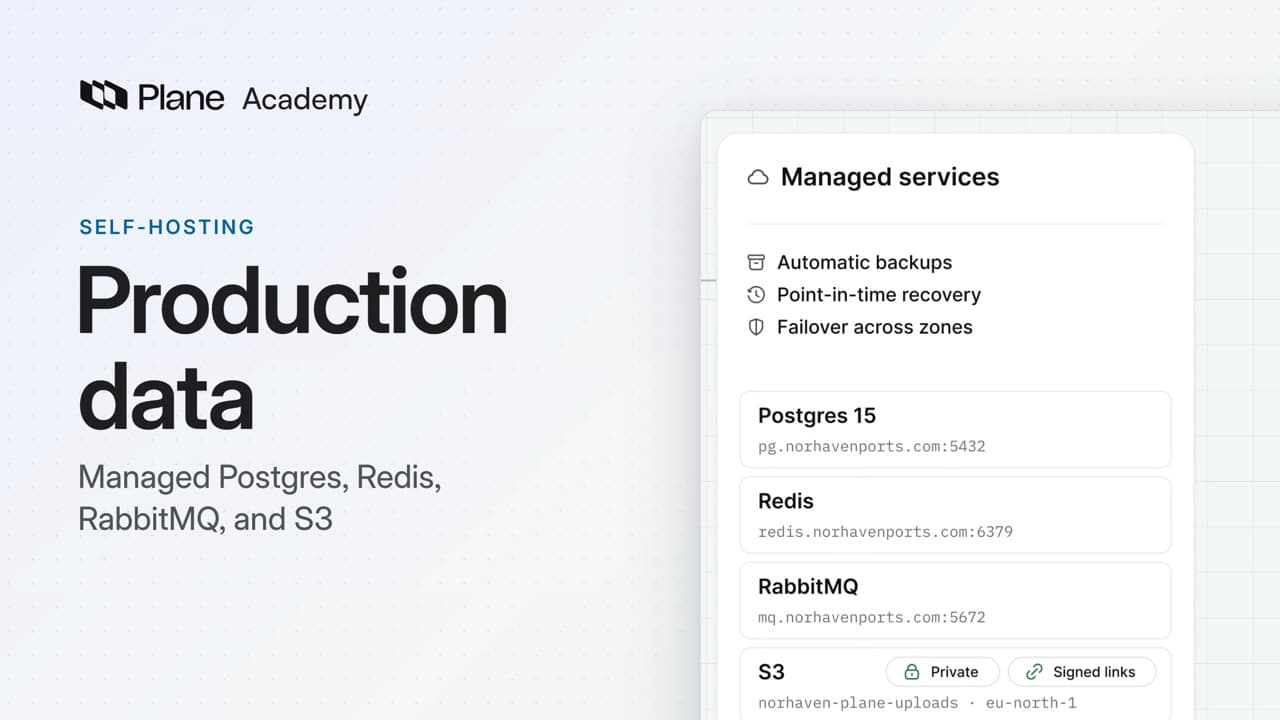
- For production, use managed services, with automatic backups, point-in-time recovery, and failover across zones. Plane finds each service through plane.env: DATABASE_URL, REDIS_URL, AMQP_URL, and a USE_MINIO switch for files.
- sudo prime-cli configure takes a connection URL for Postgres, Redis, and RabbitMQ, and an access key, bucket, region, and endpoint for S3. It lists the keys it will change with secrets masked, asks before writing anything, then writes plane.env and restarts Plane without the bundled Postgres, Valkey, and MinIO. The bundled RabbitMQ still starts and sits unused.
- sudo prime-cli configure show lists what plane.env holds with secrets masked, and --database-reset points Plane at the bundled Postgres again. The configure command changes settings and moves no data.
- On an instance people already use, move the data first, in a maintenance window: stop Plane, pg_dump the database and pg_restore it into managed Postgres 15, mirror the uploads bucket into S3 with mc, then run configure. Only Postgres and MinIO hold data to move.
- Plane keeps uploads private with signed links that expire after an hour. The bucket needs a CORS rule for your Plane domain, and the access key needs to list the bucket and to read, write, and delete its files. If browsers cannot reach the bucket, set USE_STORAGE_PROXY to 1.
- An instance first installed before version 1.4 started with a public bucket, and update_bucket makes it private. On Amazon EKS, IRSA or Pod Identity gives Plane an IAM role for S3 instead of keys, and on Kubernetes the Helm chart can read its passwords and keys from Kubernetes secrets.
Production data
0:00Plane depends on four services that ship with it. Postgres holds the data, Valkey is the Redis-compatible cache, RabbitMQ queues background jobs, and MinIO stores uploaded files.
By default, all four run as containers on Plane's own server, with their data on its disk.
See what Plane keeps, and where
0:33Each service keeps its data in its own folder under /opt/plane/data. That is fine for getting started. For production, use managed services, with automatic backups, point-in-time recovery, and failover across zones.
Plane finds each service through plane.env: DATABASE_URL, REDIS_URL, AMQP_URL, and a USE_MINIO switch for files. Leave DATABASE_URL empty and Plane uses the bundled Postgres. Set it, and it wins over the separate Postgres keys.
Point Plane at managed services
1:17-
Run
sudo prime-cli configurewith a flag for each service you replace. Postgres, Redis, and RabbitMQ each take a connection URL. S3 takes an access key, a bucket, a region, and an endpoint.sudo prime-cli configure \ --database-url postgresql://plane:<password>@<postgres-host>:5432/plane \ --redis-url redis://plane:<password>@<redis-host>:6379/0 \ --amqp-url amqp://plane:<password>@<rabbitmq-host>:5672/plane \ --s3-access-key-id <access-key-id> \ --s3-bucket <bucket> \ --s3-region <region> \ --s3-endpoint https://s3.<region>.amazonaws.com -
Leave out the secret key, and configure asks for it without showing what you type.
-
It lists the keys it will change in
plane.env, with secrets masked, and asks before writing anything. The answer defaults to no. -
Confirm, and it writes
plane.envand restarts Plane, this time without the bundled Postgres, Valkey, and MinIO. The bundled RabbitMQ still starts and sits unused, even with an AMQP URL set. -
To check,
sudo prime-cli configure showlists whatplane.envholds, with secrets masked.
To go back, sudo prime-cli configure --database-reset points Plane at the bundled Postgres again, as you left it.
The configure command changes settings and moves no data. On an instance people already use, move the data first.
Move the data once, and keep the bucket private
2:38Only Postgres and MinIO hold data to move. Valkey works as a cache and a queue, and RabbitMQ's messages are transient, so the new services can start empty.
Plane has to be offline, so plan a maintenance window.
- Stop Plane with
sudo prime-cli stop, then start only the bundled Postgres and MinIO. pg_dumpwith-Fcwrites the whole database to one compressed file.- Restore it into the managed database with
pg_restore,--no-owner, and--no-privileges, in case the old roles do not exist there. Use Postgres 15 and its client tools, the version Plane ships. - Then
mc mirrorcopies the uploads bucket from MinIO into your S3 bucket. - Last, run the configure command. Plane starts on the managed services, and the old copies stay on disk until you remove them.
Plane keeps uploads private. It hands out signed links that expire after an hour, so the bucket never needs public access.
Browsers upload to S3 and download from it directly, so give the bucket a CORS rule for your Plane domain. The access key needs to list the bucket, and to read, write, and delete its files. If browsers cannot reach the bucket, set USE_STORAGE_PROXY to 1, and Plane's API carries the files instead.
An instance first installed before version 1.4 started with a public bucket. Run update_bucket once to make it private. Files already in it stay public. On S3, the key also needs permission to set the bucket policy.
On Amazon EKS, IRSA or Pod Identity gives Plane an IAM role for S3 instead of keys. Leave both key settings out. Any key, even an empty one, wins over the role.
On Kubernetes, the Helm chart can read its passwords and keys from Kubernetes secrets, synced from AWS Secrets Manager or Vault. Both setups are in the docs.
Recap
4:57Plane now runs on managed Postgres, Redis, RabbitMQ, and S3, with its data moved once and its files behind signed links.
Try it in your workspace
Run sudo prime-cli configure show on your server to list what plane.env holds, with secrets masked, before you point Plane at a managed service.
Transcript
Show the transcript
Production data
0:02Plane depends on four services that ship with it. Postgres holds the data, Valkey is the Redis-compatible cache, RabbitMQ queues background jobs, and MinIO stores uploaded files.
0:16By default, all four run as containers on Plane's own server, with their data on its disk.
0:23You'll point Plane at managed services with one command, move the data across once, and keep the S3 bucket private. Let's take a closer look.
See what Plane keeps, and where
0:37Each service keeps its data in its own folder under /opt/plane/data.
0:45That's fine for getting started. For production, use managed services, with automatic backups, point-in-time recovery, and failover across zones.
0:56Plane finds each service through plane.env: a database URL, a Redis URL, an AMQP URL, and a USE_MINIO switch for files.
1:08Leave the database URL empty and Plane uses the bundled Postgres. Set it, and it wins over the separate Postgres keys.
Point Plane at managed services
1:20One command points Plane at managed services: sudo prime-cli configure, with a flag for each service you replace.
1:30Postgres, Redis, and RabbitMQ each take a connection URL. S3 takes an access key, a bucket, a region, and an endpoint.
1:40Leave out the secret key, and configure asks for it without showing what you type.
1:46It lists the keys it will change in plane.env, with secrets masked, and asks before writing anything. The answer defaults to no.
1:56Confirm, and it writes plane.env and restarts Plane, this time without the bundled Postgres, Valkey, and MinIO.
2:06The bundled RabbitMQ still starts and sits unused, even with an AMQP URL set.
2:13To check, sudo prime-cli configure show lists what plane.env holds, with secrets masked.
2:22To go back, --database-reset points Plane at the bundled Postgres again, as you left it.
2:29The configure command changes settings and moves no data. On an instance people already use, move the data first.
Move the data once, and keep the bucket private
2:41Only Postgres and MinIO hold data to move. Valkey works as a cache and a queue, and RabbitMQ's messages are transient, so the new services can start empty.
2:53Plane has to be offline, so plan a maintenance window. Stop Plane, then start only the bundled Postgres and MinIO.
3:02pg_dump with -Fc writes the whole database to one compressed file.
3:08Restore it into the managed database with pg_restore, --no-owner and --no-privileges, in case the old roles don't exist there. Use Postgres 15 and its client tools, the version Plane ships.
3:23Then mc mirror copies the uploads bucket from MinIO into your S3 bucket.
3:30Last, run the configure command. Plane starts on the managed services, and the old copies stay on disk until you remove them.
3:40Plane keeps uploads private. It hands out signed links that expire after an hour, so the bucket never needs public access.
3:49Browsers upload to S3 and download from it directly, so give the bucket a CORS rule for your Plane domain.
3:58The access key needs to list the bucket, and to read, write, and delete its files.
4:04If browsers can't reach the bucket, set USE_STORAGE_PROXY to 1, and Plane's API carries the files instead.
4:13An instance first installed before version 1.4 started with a public bucket. Run update_bucket once to make it private. Files already in it stay public. On S3, the key also needs permission to set the bucket policy.
4:30On Amazon EKS, IRSA or Pod Identity gives Plane an IAM role for S3 instead of keys. Leave both key settings out. Any key, even an empty one, wins over the role.
4:45And on Kubernetes, the Helm chart can read its passwords and keys from Kubernetes secrets, synced from AWS Secrets Manager or Vault. Both setups are in the docs.
Recap
4:58Plane now runs on managed Postgres, Redis, RabbitMQ, and S3, with its data moved once and its files behind signed links.