
Lesson 1 of 12 · 4:35
Self-hosted Plane: what you run, what it needs, and the plans
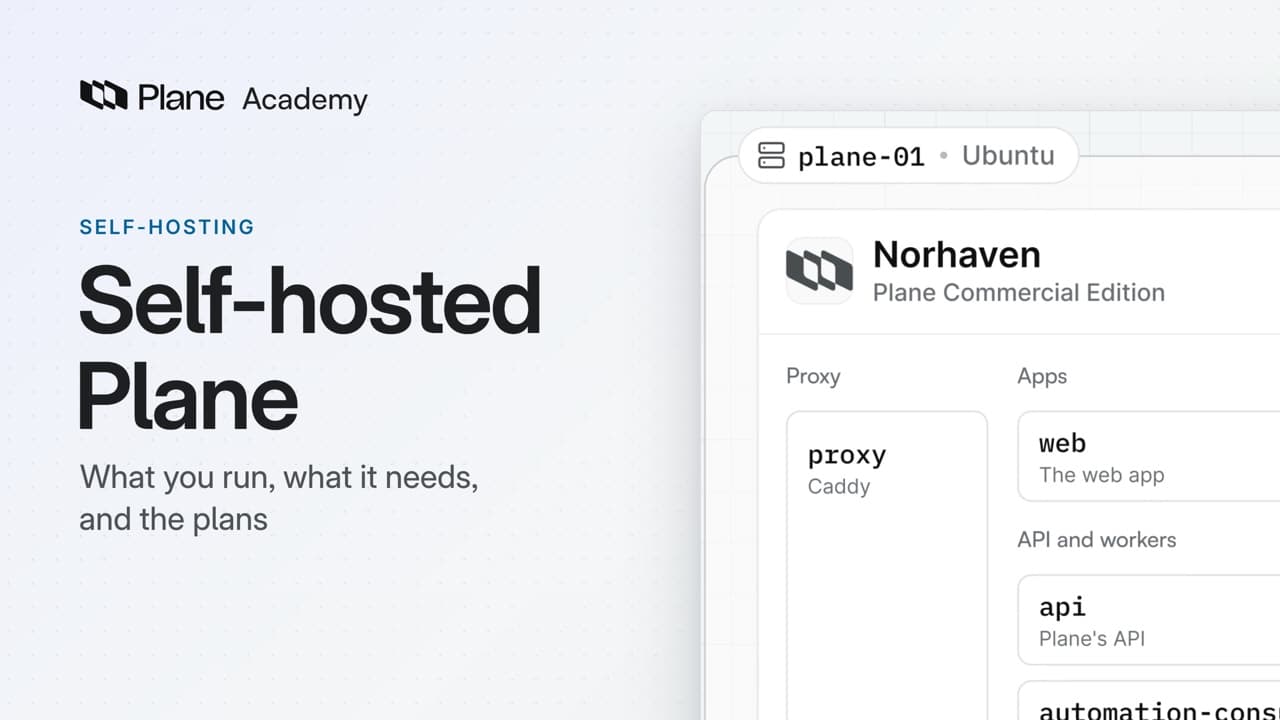
How self-hosted Plane, Plane's Commercial Edition on your own servers, is put together, from the services that run on a single server and what that server needs to the two install paths and how plans work on your instance.
In this course
- 1Self-hosted Plane4:35
- 2Install with Docker5:09
- 3Domain, HTTPS, email5:45
- 4Sign-in and SSO5:47
- 5Plans and licenses5:40
- 6Run your instance5:27
- 7Back up, restore, and upgrade6:17
- 8Production data5:18
- 9Kubernetes with Helm6:29
- 10Integrations and the MCP server5:52
- 11Plane AI, search, and scanning5:52
- 12Airgapped Plane5:06
What you will learn
- Self-hosted Plane is Plane's Commercial Edition, running on your own servers. It starts on a built-in Free plan, and a license key turns on the paid plans.
- On a single server, a fresh install runs about twenty services in five groups: the proxy, the three apps, the API and its workers, the data stores, and the add-ons.
- Only the proxy is open to the outside. It runs Caddy on ports 80 and 443, and sends each path on your domain to the right service.
- Postgres, Valkey, RabbitMQ, and MinIO keep Plane's state, with their files under /opt/plane/data, so your work items, pages, and uploads sit on your own disk.
- Four add-ons start on: live, silo, iframely, and runner. Three start off, with zero replicas in plane.env: Plane AI, Argus for sensitive data scanning, and email for Intake.
- The server needs Linux on x64 or ARM64 with at least 2 CPU cores and 4 GB of memory, or 8 GB for production, a domain, ports 80 and 443 open, outbound HTTPS to prime.plane.so, and Plane's images from Docker Hub.
- Docker Compose with Prime CLI runs Plane on one server. Kubernetes with the plane-enterprise Helm chart runs the same services across your cluster, behind your ingress, and is the path to high availability.
- Every instance starts on the Free plan with 12 seats in each workspace. A Pro or Business key turns on one workspace's plan, an Enterprise Grid key covers the whole instance, and you can install today and activate a key later.
Self-hosted Plane
0:00Self-hosted Plane is Plane's Commercial Edition, running on your own servers. It starts on a built-in Free plan, and a license key turns on the paid plans.
This lesson shows what runs on your server, what that server needs, and which of the two install paths is yours.
What runs on your server
0:23On a single server, a fresh install runs about twenty services, in five groups.
- Proxy. Only the proxy is open to the outside. It runs Caddy on ports 80 and 443, and sends each path on your domain to the right service.
- Apps. People reach Plane through three apps. Your teams work in the web app,
spacehosts anything you publish, andadminis God mode, at/god-mode. - API and workers. Every app calls the
apiservice. Behind it,workerruns background jobs,beat-workerschedules the periodic ones, andmigratorupdates the database, then exits. Three event services run automations, handle webhooks, and move events from the database onto the queue. - Data stores. Four data stores keep Plane's state. Postgres is the database, Valkey is the cache, RabbitMQ holds the job queues, and MinIO stores uploaded files. Their files live on the server, under
/opt/plane/data, so your work items, pages, and uploads sit on your own disk. - Add-ons. Four start on:
livefor editing pages together,silofor integrations and importers,iframelyfor link embeds, andrunnerfor Plane Runner scripts. Three more start off: Plane AI, Argus for sensitive data scanning, and email for Intake. Inplane.env, their replica counts are zero.
What it needs and where it runs
2:06- The server needs Linux, on x64 or ARM64, with at least 2 CPU cores and 4 GB of memory. For production, give it 8 GB.
- Point a domain at it, the address your teams will use, and open ports 80 and 443.
- It also needs outbound HTTPS to
prime.plane.so, for installs, updates, and licenses, and it pulls Plane's images from Docker Hub.
There are two ways to run Plane in production.
- Docker Compose on one server, with Prime CLI to install, upgrade, and back it up.
- Kubernetes with the
plane-enterpriseHelm chart. It runs the same services across your cluster, behind your ingress, and it is the path to high availability.
If one server is enough for your teams, choose Docker Compose. If Plane must keep serving when a node fails, choose Kubernetes.
Plans on your instance
3:12Whichever path you choose, the instance starts on the Free plan, with 12 seats in each workspace and no key to enter.
- Pro adds work item types, and Business adds recurring work items. You buy both per workspace, and each key turns on one workspace's plan.
- Enterprise Grid adds instance-wide features such as LDAP sign-in. It is one key for the whole instance, and it covers every workspace on it.
- Airgapped is the same build, run offline on that plan, with a license file in place of the key.
Keys come from prime.plane.so. You buy workspace plans there, the instance plan comes through sales, and the Licenses page lists every key. So you can install today and activate a key later, on the same instance.
Recap
4:11Self-hosted Plane is about twenty services on servers you control. It starts on Free, and a key turns on a paid plan. Next: install it, make it reachable, and let your team in.
Try it in your workspace
On a server that runs Plane, run grep '_REPLICAS=0' /opt/plane/plane.env to list the add-ons that start switched off.
Transcript
Show the transcript
Self-hosted Plane
0:02Self-hosted Plane is Plane's Commercial Edition, running on your own servers.
0:08It starts on a built-in Free plan, and a license key turns on the paid plans.
0:14You'll see what runs on your server, what that server needs, and which of the two install paths is yours. Let's take a closer look.
What runs on your server
0:27On a single server, a fresh install runs about twenty services, in five groups.
0:33Only the proxy is open to the outside. It runs Caddy on ports 80 and 443, and sends each path on your domain to the right service.
0:44People reach Plane through three apps. Your teams work in the web app, space hosts anything you publish, and admin is God mode, at /god-mode.
0:57Every app calls the api service. Behind it, worker runs background jobs, beat-worker schedules the periodic ones, and migrator updates the database, then exits.
1:10Three event services run automations, handle webhooks, and move events from the database onto the queue.
1:17Four data stores keep Plane's state. Postgres is the database, Valkey is the cache, RabbitMQ holds the job queues, and MinIO stores uploaded files.
1:30Their files live on the server, under /opt/plane/data, so your work items, pages, and uploads sit on your own disk.
1:40The add-ons come last. Four start on: live for editing pages together, silo for integrations and importers, iframely for link embeds, and runner for Plane Runner scripts.
1:53Three more start off: Plane AI, Argus for sensitive data scanning, and email for Intake. In plane.env, their replica counts are zero.
What it needs and where it runs
2:10The server needs Linux, on x64 or ARM64, with at least 2 CPU cores and 4 GB of memory. For production, give it 8 GB.
2:22Point a domain at it, the address your teams will use, and open ports 80 and 443.
2:29It also needs outbound HTTPS to prime.plane.so, for installs, updates, and licenses, and it pulls Plane's images from Docker Hub.
2:40There are two ways to run Plane in production. The first is Docker Compose on one server, with Prime CLI to install, upgrade, and back it up.
2:51The second is Kubernetes with the plane-enterprise Helm chart. It runs the same services across your cluster, behind your ingress, and it's the path to high availability.
3:03If one server is enough for your teams, choose Docker Compose. If Plane must keep serving when a node fails, choose Kubernetes.
Plans on your instance
3:16Whichever path you choose, the instance starts on the Free plan, with 12 seats in each workspace and no key to enter.
3:24Pro adds work item types, and Business adds recurring work items. You buy both per workspace, and each key turns on one workspace's plan.
3:36Enterprise Grid adds instance-wide features such as LDAP sign-in. It's one key for the whole instance, and it covers every workspace on it.
3:46Airgapped is the same build, run offline on that plan, with a license file in place of the key.
3:53Keys come from prime.plane.so. You buy workspace plans there, the instance plan comes through sales, and the Licenses page lists every key.
4:06So you can install today and activate a key later, on the same instance.
Recap
4:13Self-hosted Plane is about twenty services on servers you control. It starts on Free, and a key turns on a paid plan. Next: install it, make it reachable, and let your team in.